

The Forest
Server Hosting
Host your own The Forest server today. Survive a plane crash, build defences, explore terrifying caves, and fight cannibalistic mutants with up to 8 players. 95% Overwhelmingly Positive on Steam. Fast setup, full control, and 24/7 support.

The Forest
Performance Plan · Instant Setup
6GB RAM
Perfect for 8 players
US$0.00
per month
HALLOWEEN SALE
30% OFF All Server Plans
Use Code
Sale Ends In
Build Your
Perfect Plan
Configure your ideal The Forest server in minutes. Select player count, location and extras, then launch instantly.
Player Count
Select how many players you plan on playing with. All plans come with unlimited player slots.
Choose Your Plan
Configure your RAM, adjusting for more players if needed
Choose Your Location
Select the best datacenter for your players
Recommended for you
or choose from our 9 other regions
Enhance Your Server
Add extra features and performance boosts
CPU Boost
Comes with 5 performance cores
Backups
Comes with 3 configurable backups for extra protection
Dedicated Port
Port 27015
All addons are optional and can be changed later

Your Server
Ready to deploy
RAM
1GB
Location
...
Hardware
CPU
Coming Soon
Total Server Cost
US$0.00USD/mo
Instant activation · 7-day refund
Explore The Forest Server Features
A tour of what comes with every The Forest server, and how it all works in the control panel.
INSTANT SETUP
Get your The Forest server online in minutes with our streamlined deployment process. No technical expertise required - select your settings and we'll automatically configure your world. Your survival group can start building and exploring immediately.
Our automated system handles all the technical setup, from server initialisation to performance optimisation. Whether you're hosting a small private co-op session or running a full 8-player survival experience, your The Forest server will be ready for survivors in under 10 minutes.
AUTOMATIC BACKUPS
Protect your The Forest server data with our automatic backup system. Your base constructions, world progress, story discoveries, and all server configurations are regularly backed up to prevent any loss from crashes, corruption, or cannibal raids gone wrong.
Restoring a backup is simple - select your desired backup from the control panel and click restore. Whether you need to recover from server issues or roll back after testing new configurations, your The Forest server is always protected with customisable backup schedules.
DDOS PROTECTION
Keep your The Forest server safe from attacks and unauthorised access. We've implemented enterprise-grade security measures to protect your server and player data, ensuring uninterrupted survival horror gameplay for your group.
Our infrastructure includes advanced DDoS protection on all plans, capable of mitigating high-volume attacks without affecting server performance. Your survivors can focus on fighting cannibals and exploring caves instead of worrying about server security or downtime from malicious attacks.
FULL CUSTOMISATION & CONTROL
Take complete control of your The Forest server with full SFTP access and comprehensive customisation options. Configure difficulty settings, adjust enemy spawn rates, customise building parameters, and fine-tune every aspect of your survival horror experience. Install mods via the ModAPI platform to add new features and customisation options.
Our control panel makes it easy to manage server settings and edit configuration files without technical knowledge. Whether you're running a casual survival experience or hardcore horror gameplay, our 24/7 support team is always available to help optimise your The Forest hosting.

CUSTOM SUBDOMAINS
Every server gets a free yourname.wabbanode.com address, so nobody has to remember an IP and port. Change it whenever you like from the panel.
SERVER SPLITTING
Divide one plan into several smaller servers. Run a lobby and a survival world, or two different games, off the RAM you already pay for.
GAME SWITCHING
Swap your server to any game we host from the panel. Your plan stays the same, so a Minecraft server can become a Rust server next month without buying another.
DATABASES
Create MySQL databases from the panel for plugins, economies and stats. Credentials are generated for you and ready to paste into a config.
24/7 SUPPORT
Real people on live chat and tickets around the clock, replying in under five minutes on average. They play these games too.
AUTOMATIC CRASH DETECTION
If your server goes down, it comes straight back. A watchdog spots the crash, restarts the server and logs what happened.
One control panel to manage
every game server
Running a game server with your friends should be easy. That's why we built our own panel around simple, powerful tools that make sense the first time you open them.


Server locations around the world
Choose the location closest to you and your players at no additional cost. We're continuing to add new regions as our network grows.
12+
Locations
99.9%
Uptime


Utah, United States
Low latency for West Coast
What Our Customers Say
Real feedback from gamers who trust us with their server hosting needs
"My experience thus far with Wabbanode has been excellent. I am not a pro when it comes to tech or knowing exactly how to set up a server. The service has helped setup my se..."
Haunted
Minecraft player
"All of the workers assisting with server side issues are really nice and respectful, and are very quick to get things fixed or configured."
Curtis Hoare
Minecraft player
"Tabby was absolutely amazing and so dang kind and sweet, amazing customer service 10/10 prices are expensive but would come back again and again because of being treated so nicely"
Skymeria
Minecraft player
"I run a Minecraft community with their servers and Im really pleased. They have a decent panel which just works and the owner seems really knowledgeable and regularly giv..."
Rachel G
Minecraft player
"I currently have a project zomboid server with them and it has been running great over the last 2 months with mods. They also have good support which makes things very easy"
Beth
Project Zomboid player
"I love this site the support is the best i ever had and the server performance is so so good"
ACUL
Minecraft player
What is The Forest?
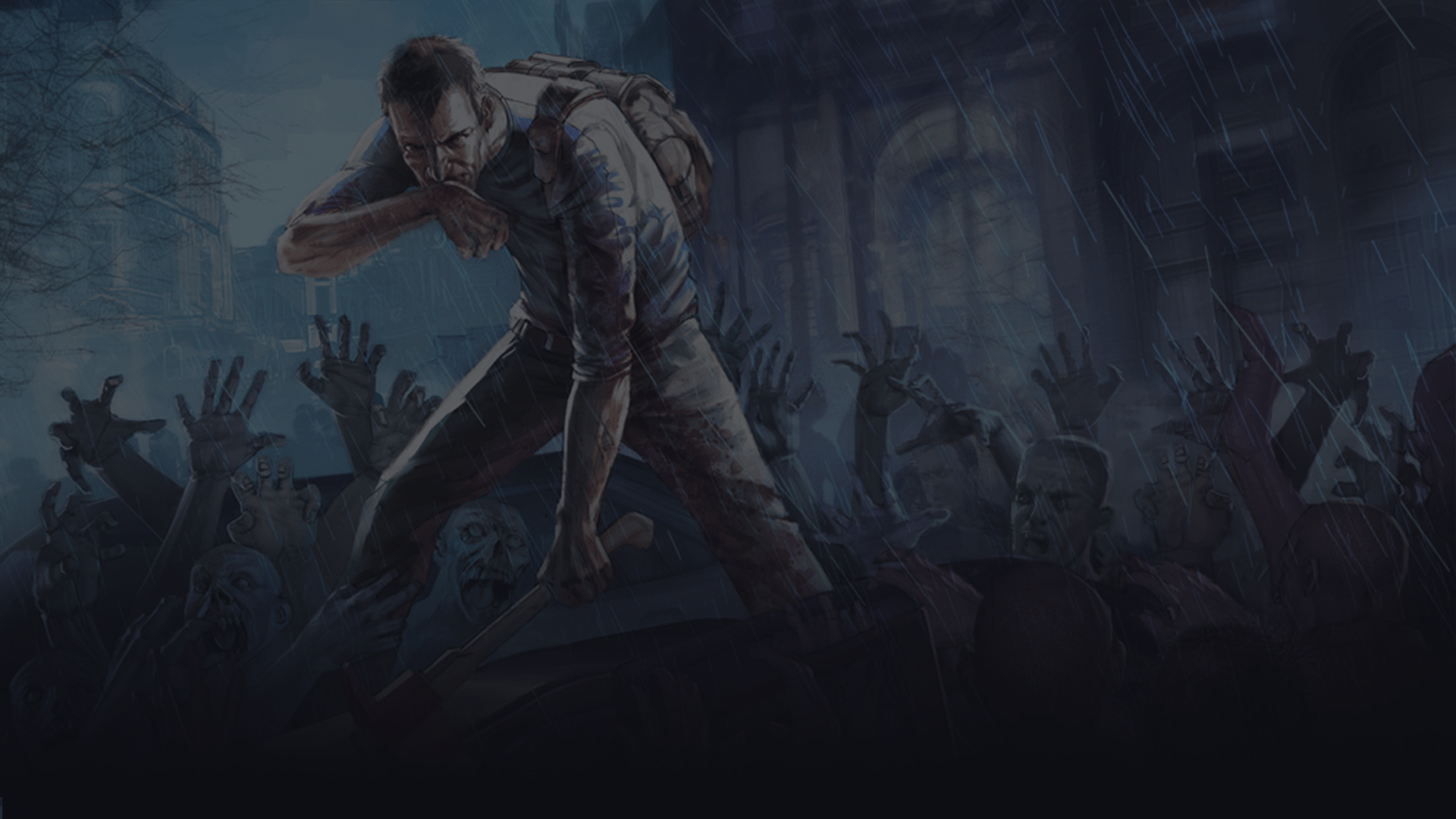
The Forest is a survival horror game with 95% Overwhelmingly Positive Steam reviews and over 5.3 million copies sold. After surviving a plane crash on a remote forested peninsula, you must find your kidnapped son while surviving against cannibalistic mutants with sophisticated AI that hunt in groups, coordinate attacks, and react dynamically to your presence. Build defensive structures including walls, traps, and fortresses anywhere in the open world. Explore a vast underground cave system filled with increasingly terrifying creatures and story-critical discoveries. Manage survival needs including hunger, health, and warmth while crafting weapons and tools. The day/night cycle drives gameplay - explore and gather by day, defend your base against attacks at night.
Running your own The Forest dedicated server gives you complete control over your survival horror experience. Host up to 8 players in cooperative gameplay where your team builds bases, explores caves, and survives together. Configure server settings to customise difficulty, save management, and gameplay parameters. Build persistent worlds where your constructions and progress carry across sessions. With full server access and hardware optimised for The Forest's demanding AI and physics, you can host smooth multiplayer sessions. Our automatic backups protect your world data and construction progress.


Best The Forest server hosting
Surviving the peninsula is far more intense with a group, and a The Forest dedicated server keeps your world ( and your defenses ) standing whether you're logged in or not. Wabbanode makes it easy to host a The Forest server with friends, so up to eight survivors can build, explore caves, and fight off the mutants together. The Forest server hosting gives you full control over difficulty, saves, and settings.

What your The Forest server needs
For The Forest we suggest 4 GB for up to 4 players and 6 GB for up to 8 players, the same sizes the plan picker above recommends. The Forest's cannibal AI and physics are more demanding than a typical survival game, so a little headroom pays off. Large bases and busy servers are the main drivers of The Forest server RAM.
Persistent co-op survival
Configure difficulty, manage saves, and keep your world online 24/7 so construction and story progress carry across every session. Your team can jump back in and pick up right where they left off.
The Wabbanode edge
Instant setup, NVMe storage, always-on DDoS protection, and free automatic backups keep your world safe, backed by 24/7 support.
The Forest server guides
Setup walkthroughs, admin commands and troubleshooting written by our team, so you can get your The Forest server running the way you want it.
How to Set the Admin Password on Your The Forest Server
Configure the admin password to access server administration commands on your The Forest server.How to Start a New Game or Continue on Your The Forest Server
Configure whether your The Forest server starts fresh or continues from an existing save.How to Change the Save Slot on Your The Forest Server
Select which save slot your The Forest server uses for world data.How to Become Admin on Your The Forest Server
Log in as an administrator to access server commands on your The Forest server.How to Enable or Disable Vegan Mode on Your The Forest Server
Remove enemies from the surface on your The Forest server for a peaceful building experience.All The Forest Console Commands and Cheats
Complete guide to using console commands and cheats on your The Forest server.The Forest server hosting FAQs















Need help
picking a plan?
Our team is online around the clock. Tell us what you want to run and how many players you expect, and we'll point you to the right plan.