

LOTR: Return to Moria
Server Hosting
Host your own Return to Moria server today. Reclaim Khazad-dum with up to 8 players, procedurally generated mines, and Dwarven crafting. Fast setup, full control, and 24/7 support.

The Lord of the Rings: Return to Moria
Performance Plan · Instant Setup
8GB RAM
Perfect for 8 players
$0.00
per month
HALLOWEEN SALE
30% OFF All Server Plans
Use Code
Sale Ends In
Build Your
Perfect Plan
Configure your ideal The Lord of the Rings: Return to Moria server in minutes. Select player count, location and extras, then launch instantly.
Player Count
Select how many players you plan on playing with. All plans come with unlimited player slots.
Choose Your Plan
Configure your RAM, adjusting for more players if needed
Choose Your Location
Select the best datacenter for your players
Recommended for you
or choose from our 9 other regions
Enhance Your Server
Add extra features and performance boosts
CPU Boost
Comes with 5 performance cores
Backups
Comes with 3 configurable backups for extra protection
Dedicated Port
Port 7777
All addons are optional and can be changed later

Your Server
Ready to deploy
RAM
1GB
Location
...
Hardware
CPU
Coming Soon
Total Server Cost
$0.00USD/mo
Instant activation · 7-day refund
Explore The Lord of the Rings: Return to Moria Server Features
A tour of what comes with every The Lord of the Rings: Return to Moria server, and how it all works in the control panel.
INSTANT SETUP
Get your Return to Moria server online in minutes with our streamlined deployment process. No technical expertise required - select your settings and we'll automatically configure your Khazad-dum expedition. Your Dwarven company can start mining and exploring immediately.
Our automated system handles all the technical setup, from server initialization to crossplay configuration. Whether you're hosting a small fellowship or running a full 8-player expedition across PC, PlayStation, and Xbox, your Return to Moria server will be ready for adventurers in under 10 minutes.
AUTOMATIC BACKUPS
Protect your Return to Moria server data with our automatic backup system. Your restored monuments, crafted gear, mined resources, and all server configurations are regularly backed up to prevent any loss from crashes, corruption, or unexpected Orc attacks.
Restoring a backup is simple - select your desired backup from the control panel and click restore. Whether you need to recover from server issues or roll back after testing new configurations, your Dwarven kingdom is always protected with customizable backup schedules.
DDOS PROTECTION
Keep your Return to Moria server safe from attacks and unauthorized access. We've implemented enterprise-grade security measures to protect your server and player data, ensuring uninterrupted crossplay gameplay for your fellowship across all platforms.
Our infrastructure includes advanced DDoS protection on all plans, capable of mitigating high-volume attacks without affecting server performance. Your Dwarves can focus on reclaiming Moria instead of worrying about server security or downtime from malicious attacks.
FULL CUSTOMIZATION & SERVER CONTROL
Take complete control of your Return to Moria server with full SFTP access and comprehensive customization options. Configure player permissions, adjust world settings, manage who can build or access storage, and fine-tune every aspect of your Dwarven expedition.
Our control panel makes it easy to manage server settings and edit configuration files without technical knowledge. Whether you're running a casual exploration or hardcore survival experience, our 24/7 support team is always available to help optimize your Return to Moria hosting.

CUSTOM SUBDOMAINS
Every server gets a free yourname.wabbanode.com address, so nobody has to remember an IP and port. Change it whenever you like from the panel.
SERVER SPLITTING
Divide one plan into several smaller servers. Run a lobby and a survival world, or two different games, off the RAM you already pay for.
GAME SWITCHING
Swap your server to any game we host from the panel. Your plan stays the same, so a Minecraft server can become a Rust server next month without buying another.
DATABASES
Create MySQL databases from the panel for plugins, economies and stats. Credentials are generated for you and ready to paste into a config.
24/7 SUPPORT
Real people on live chat and tickets around the clock, replying in under five minutes on average. They play these games too.
AUTOMATIC CRASH DETECTION
If your server goes down, it comes straight back. A watchdog spots the crash, restarts the server and logs what happened.
One control panel to manage
every game server
Running a game server with your friends should be easy. That's why we built our own panel around simple, powerful tools that make sense the first time you open them.


Server locations around the world
Choose the location closest to you and your players at no additional cost. We're continuing to add new regions as our network grows.
12+
Locations
99.9%
Uptime


Utah, United States
Low latency for West Coast
What Our Customers Say
Real feedback from gamers who trust us with their server hosting needs
"My experience thus far with Wabbanode has been excellent. I am not a pro when it comes to tech or knowing exactly how to set up a server. The service has helped setup my se..."
Haunted
Minecraft player
"All of the workers assisting with server side issues are really nice and respectful, and are very quick to get things fixed or configured."
Curtis Hoare
Minecraft player
"Tabby was absolutely amazing and so dang kind and sweet, amazing customer service 10/10 prices are expensive but would come back again and again because of being treated so nicely"
Skymeria
Minecraft player
"I run a Minecraft community with their servers and Im really pleased. They have a decent panel which just works and the owner seems really knowledgeable and regularly giv..."
Rachel G
Minecraft player
"I currently have a project zomboid server with them and it has been running great over the last 2 months with mods. They also have good support which makes things very easy"
Beth
Project Zomboid player
"I love this site the support is the best i ever had and the server performance is so so good"
ACUL
Minecraft player
What is Return to Moria?
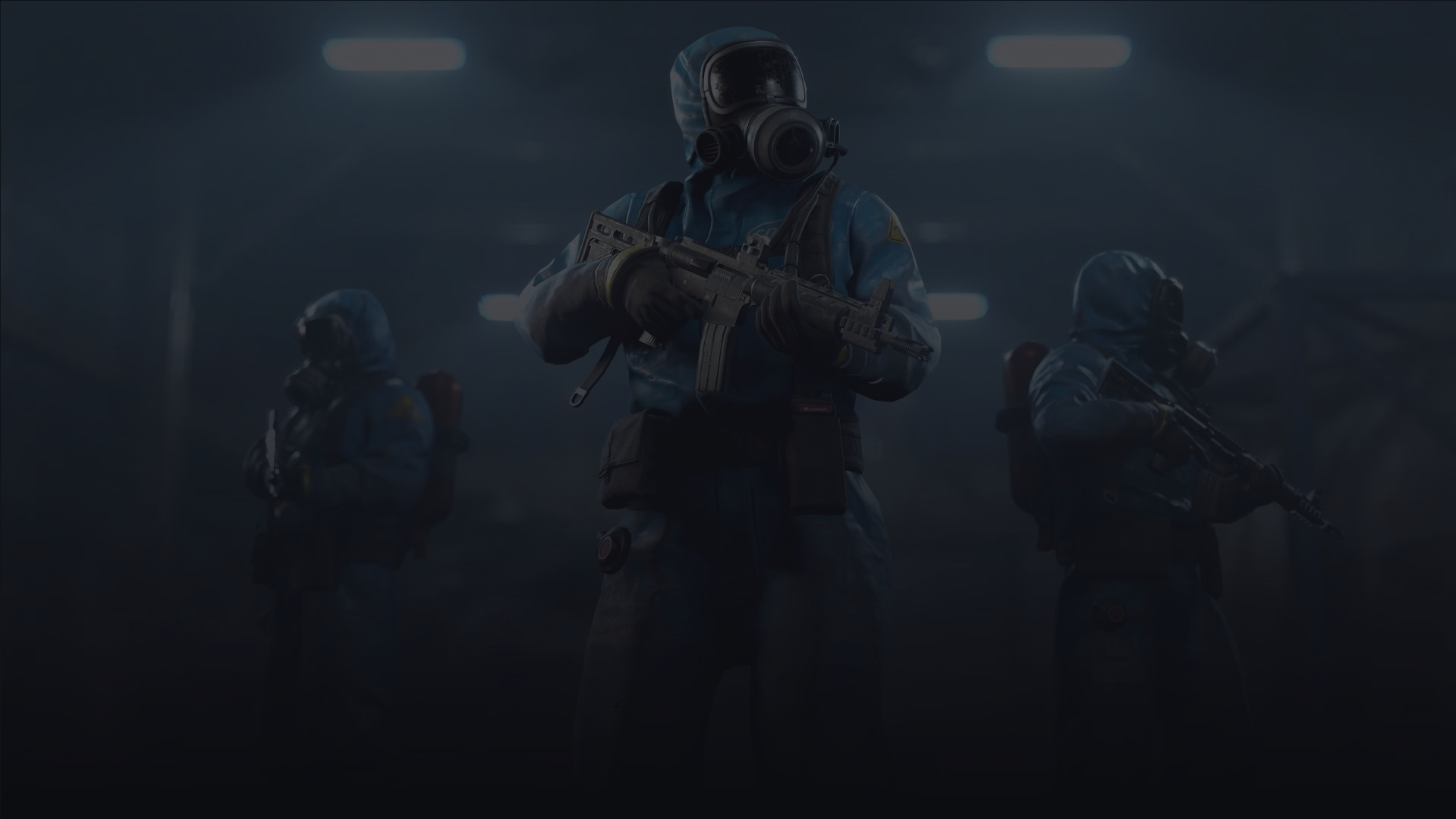
The Lord of the Rings: Return to Moria is a survival-crafting game set in the Fourth Age of Middle-earth where you answer Gimli's call to reclaim the legendary Dwarven kingdom of Khazad-dum. Journey deep into the Misty Mountains with up to 8 players as you mine resources, craft powerful gear at the Great Forge, and battle Orcs and Goblins lurking in the darkness. Every expedition features procedurally generated mines, ensuring each playthrough offers new discoveries and challenges. Master the dynamic light mechanics to survive the depths, restore ancient Dwarven monuments, and uncover the secrets of your ancestors.
Running your own Return to Moria server gives your fellowship complete control over your Middle-earth adventure. With full crossplay support between PC, PlayStation 5, and Xbox Series X|S, your company can adventure together regardless of platform. The Durin's Folk expansion adds over 20 hours of content with new areas, cooperative expeditions, and the first outdoor zones beyond the mountain. A dedicated Return to Moria server keeps your world online 24/7, letting your company continue mining and building even when you're away. Our automatic backups protect your Dwarven kingdom and restored monuments.


Best Return to Moria server hosting
Reclaiming Khazad-dum is a job for a fellowship, and a Return to Moria dedicated server keeps your mines, forges, and restored monuments online 24/7. With Wabbanode's Return to Moria server hosting you can host a Return to Moria server with friends in minutes and adventure deep into the Misty Mountains together, no matter who's online.

What your Return to Moria server needs
For The Lord of the Rings: Return to Moria we suggest 4 GB for up to 4 players and 8 GB for up to 8 players, the same sizes the plan picker above recommends. Return to Moria's procedurally generated mines and persistent world reward a little extra memory. The server leans on single-thread CPU performance, so a high-clock CPU keeps mining, building, and combat smooth, and NVMe storage speeds up loading those sprawling underground worlds. The dedicated server uses UDP port 7777, which we configure for you automatically.
Crossplay expeditions
Full crossplay lets players on PC (Steam and Epic), PlayStation 5, and Xbox Series X|S share the same world, and the Durin's Folk content works fully on dedicated servers. Adjust permissions and world settings from the panel to shape your company's run.
The Wabbanode difference
Instant setup, AMD Ryzen 9 hardware, NVMe storage, enterprise DDoS protection, free backups, and 24/7 support keep your Middle-earth adventure online and secure.
The Lord of the Rings: Return to Moria server hosting FAQs













Need help
picking a plan?
Our team is online around the clock. Tell us what you want to run and how many players you expect, and we'll point you to the right plan.