
Modded Minecraft
Server Hosting













How to Make Minecraft Modpack Server
Creating a Modded Minecraft server is incredibly easy with our control panel, fitted with one-click modpack installations.
- Get a Minecraft Server from Wabbanode
- Access your Minecraft Server from our Control Panel. Press Modpacks to access our one-click modpack installer.
- Search for your modpack or modpack creator in the modpack installer.
- Select the latest version, press Install, start your server, and enjoy playing the modpack with your friends.
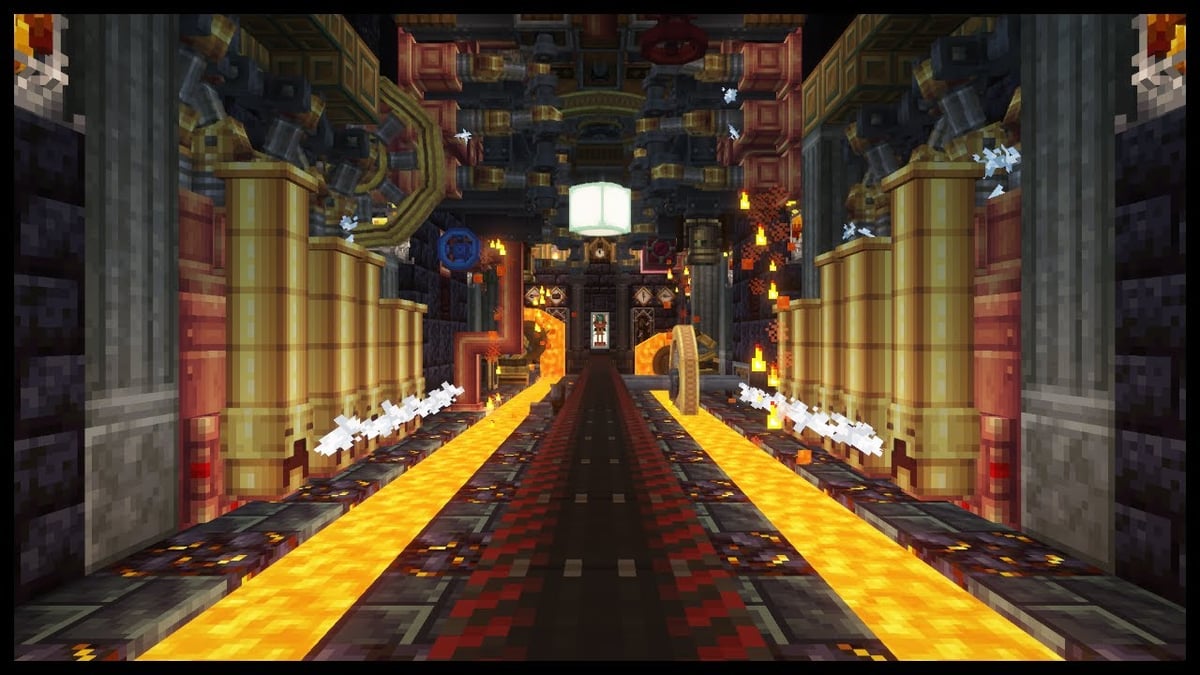
ONE CLICK MODPACKS
Our One-Click Modpack Installer lets you easily install and manage any Forge or Fabric modpack like All The Mods, Better Minecraft or Pixelmon easily. View our full range of modpacks for Modded Minecraft Server Hosting
Get your modded server online with just a few clicks, you can access a wide range of popular Minecraft modpacks all from our panel. No need for complicated setup or manual configuration.
AUTOMATIC BACKUPS
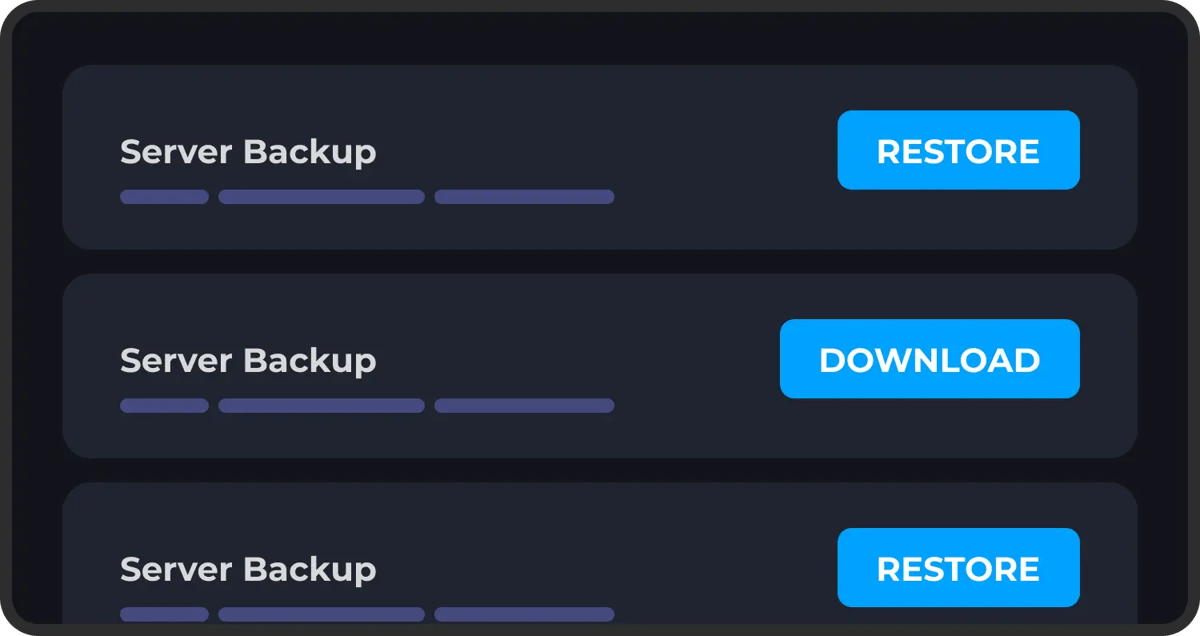
Never worry about losing your progress. Our automatic backup system ensures your server data is regularly saved. You can setup multiple automatic backups using our control panel.
Restoring one of these backups is just as easy, just select the backup you want to roll back to and click restore. Protect yourself from griefing, data loss or any kind of corruption.
DDOS PROTECTION
Protect your game server from bad actors, DDoS attacks and unauthorized access. We have worked hard to implement robust security measures to safeguard your server and data, giving you peace of mind while you play.
Our servers are equipped with advanced DDoS protection to ensure that we can mitigate high-level attacks on any of our game server's no matter what plan you choose.
FULL FILE ACCESS
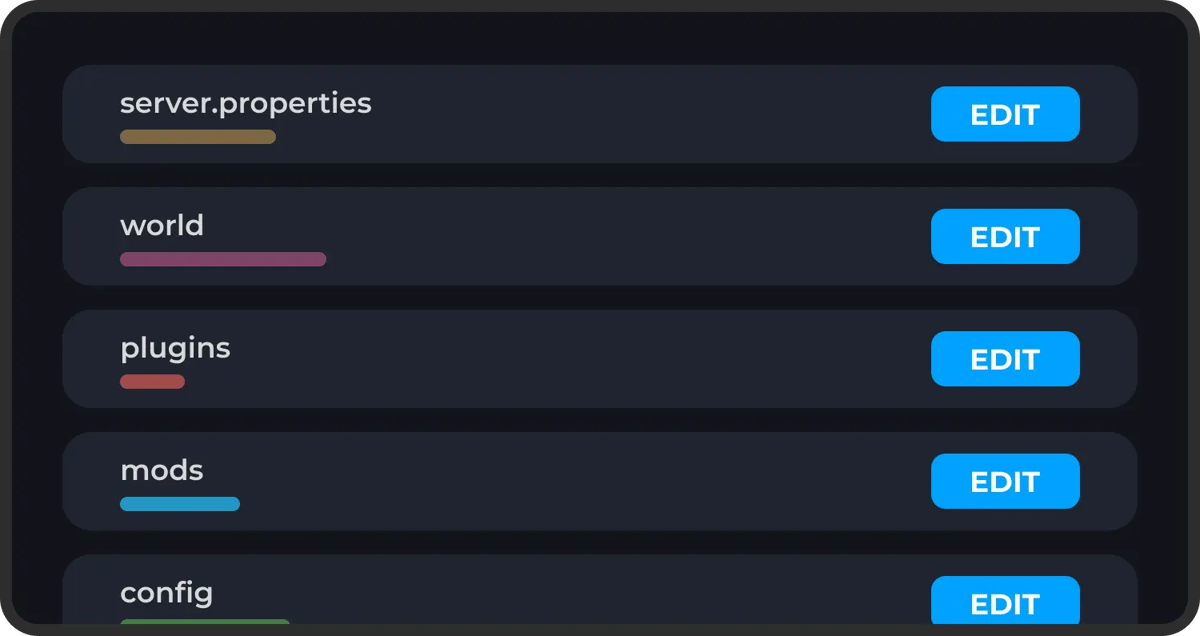
You have complete freedom over your server's setup. We provide full SFTP access, so you can easily manage your files, install mods, add plugins, or make adjustments to your server's configurations without restrictions.
On top of this we make it easy to make changes to any of your server's files or settings directly within our panel. If there's anything you're having issues with you can reach out to our support team at any time.
Explore Features
Discover the powerful features that make your server hosting experience seamless and reliable.
What Our Customers Say
Real feedback from gamers who trust us with their server hosting needs
Reviewer names may have been anonymised to protect our customers’ privacy.
“My experience thus far with Wabbanode has been excellent. I am not a pro when it comes to tech or knowing exactly how to set up a server. The service has helped setup my se...”
“All of the workers assisting with server side issues are really nice and respectful, and are very quick to get things fixed or configured.”
“Tabby was absolutely amazing and so dang kind and sweet, amazing customer service 10/10 prices are expensive but would come back again and again because of being treated so nicely”
“I run a Minecraft community with their servers and Im really pleased. They have a decent panel which just works and the owner seems really knowledgeable and regularly giv...”
“I currently have a project zomboid server with them and it has been running great over the last 2 months with mods. They also have good support which makes things very easy”
“I love this site the support is the best i ever had and the server performance is so so good”
“Tabby M did an amazing job helping me transfer my server from my old host to Wabbanode. He also helped me set up extra features I didn’t even know about, and everything is...”
“My girlfriend and I used to use bisect hosting to play modded Minecraft together, and it was good until she wanted to make her own modpack. We couldn't figure it out and t...”
“Markus In Particular Was Extremely Helpful I Will 100% Be Using This Server Host From Now On. Keep Up The Good Work. Love Yall's Company!”
Some of our helpful guides
We have many helpful guides to kickstart your Minecraft server hosting experience with us.
What to Do When Minecraft Authentication Servers Are Down
Learn how to tell if Minecraft's authentication servers are down, where to check for outages, and what to do so players can still join your server.
How to Install and Use LuckPerms on Your Minecraft Server
Learn how to install the LuckPerms plugin or mod on your Minecraft server and use LuckPerms commands to manage permissions, groups, and prefixes.
How to Use Minecraft Color Codes on Your Server
Learn how to use Minecraft color codes and formatting codes for your server's MOTD, chat, signs, books, and command output on Java Edition or Bedrock Edition.
How to Turn Off Minecraft Advancements on Your Server
Learn how to stop advancement chat announcements and fully disable Minecraft advancements or achievements on your Java Edition or Bedrock Edition server.
How to Disable Mob Spawning on Your Minecraft Server
Learn several ways to disable mob spawning on your Minecraft server, from server-wide settings to specific mob types.
How to Add Mods to an Existing Modrinth Modpack
Learn how to add new mods to an existing Modrinth modpack instance using the Modrinth App's Content tab, then push the updated pack to your Wabbanode server.
You can also talk with
Our TeamFrequently Asked Questions
Everything you need to know about our game server hosting. Can't find what you're looking for? Contact our support team.
How do I set up my game server?
Setting up your game server is simple and fast. After choosing your plan, follow our user-friendly setup guide, and your server will be up and running in minutes. We offer one-click modpack installation, automatic backups, and 24/7 support to ensure a smooth setup experience.
What kind of support do you offer?
We provide 24/7 expert support through live chat, ticket system, and knowledge base. Our knowledgeable team responds within 5 minutes on average and has 10+ years of experience managing game servers. We offer setup assistance, troubleshooting, and ongoing maintenance support.
What hardware do you use for hosting?
We offer two hardware tiers across our global datacenters. Our budget tier features AMD EPYC 7551 processors, while our performance tier uses the latest AMD Ryzen 9 7950X and 7950X3D processors. All servers feature NVMe SSD storage, DDR5 RAM, and dedicated CPU cores. Our infrastructure provides 99.9% uptime with full DDoS protection and automatic failover systems.
Can I add mods and plugins to my server?
Yes! We offer support for all popular server types including Forge, Fabric, and Paper for Minecraft, as well as mods for Rust, Valheim, and other games. You can install mods, modpacks, or plugins directly from our control panel. If you have any issues, our support team can help with installation and configuration.
Can I upgrade my server plan later?
Yes, you can upgrade or downgrade your server plan at any time with zero downtime. Our flexible scaling allows you to adjust RAM and CPU as your needs grow. Upgrades take effect immediately, and we prorate any billing changes to ensure you only pay for what you use.
What is your refund policy?
We offer a 7-day money-back guarantee on all hosting plans. If you're not completely satisfied with our service, you can request a full refund within the first week, no questions asked. We also offer prorated refunds for early cancellations after the initial period.
Do you offer DDoS protection?
Yes, all our servers include enterprise-grade DDoS protection at no extra cost. Our network can handle attacks up to 1Tbps and automatically filters malicious traffic. We use multiple layers of protection including rate limiting, traffic analysis, and real-time threat detection to keep your server running smoothly.
How fast is server setup?
Our servers are set up in under 10 minutes on average. We use automated provisioning systems and pre-configured templates to ensure instant deployment. Once your payment is confirmed, your server is automatically created, configured, and ready to play. No waiting, no manual setup required.
What locations do you offer?
We have datacenters in North America (Texas, Virginia, Canada), Europe (London, Germany, France, Finland), and more locations coming soon. All locations feature low-latency connections, high-speed internet, and redundant power systems. You can choose the location closest to your players for the best performance.
Do you offer automatic backups?
Yes, we provide automatic daily backups with 7-day retention at no extra cost. Backups are stored in separate datacenters for security and can be restored with one click. We also offer manual backup creation and custom backup schedules for all plans.
What are you waiting for?
Or talk with
Our Team