
 Necesse
Necesse offers five difficulty levels ranging from Casual to Brutal, each affecting damage taken and knockback. You can change difficulty at any time while the server is running using a simple console command.
Difficulty Levels
| Difficulty | Description | Effects |
|---|---|---|
| Casual | Easiest difficulty with relaxed gameplay | -50% damage taken |
| Adventure | Balanced experience for most players | -30% damage taken |
| Classic | Standard difficulty | No effects |
| Hard | Challenging combat and tougher enemies | +30% damage taken, -25% knockback given |
| Brutal | Maximum difficulty for experienced players | +100% damage taken, -60% knockback given |
Changing the Difficulty
- Navigate to the Wabbanode Control Panel and select your Necesse server.
- Click the Console tab.

- Run the following command:
/difficulty <level>, replacing<level>with your chosen difficulty.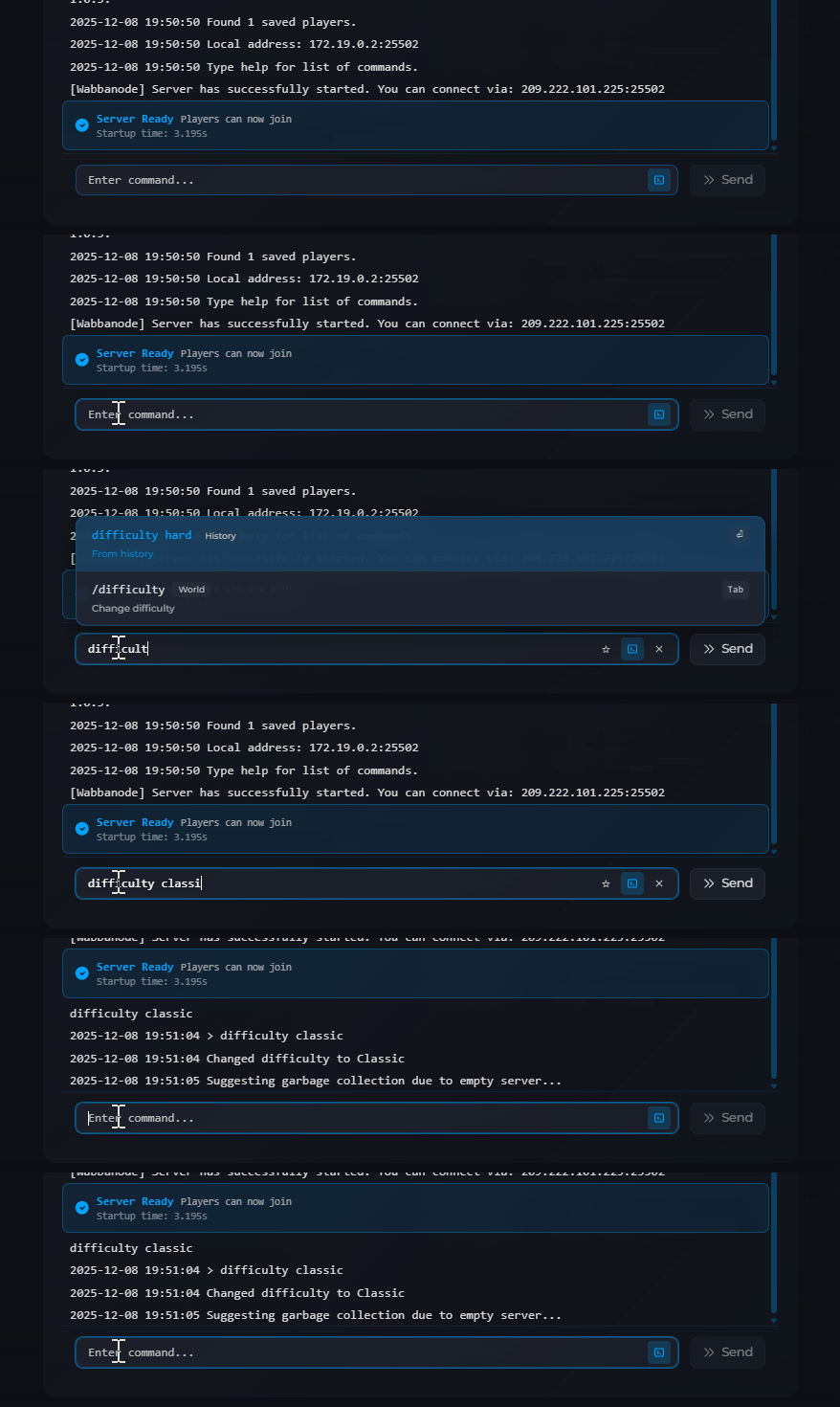
The difficulty change takes effect immediately.
You now know how to adjust the world difficulty on your Necesse server, the new difficulty applies immediately to all players on the server.
