
 Necesse
Raids bring waves of enemies to attack player settlements, providing challenge and excitement. You can adjust raid frequency from often (2x normal) to never, or anywhere in between to match your server's desired playstyle.
Raid Frequency Options
| Frequency | Cooldown Multiplier | Description |
|---|---|---|
| Often | 50% | Raids happen twice as frequently |
| Occasionally | 100% | Default raid frequency |
| Rarely | 400% | Raids happen four times less frequently |
| Never | Disabled | Raids are completely disabled |
Changing Raid Frequency
- Navigate to the Wabbanode Control Panel and select your Necesse server.
- Click the Console tab.

- Run the following command:
/raids <frequency>, replacing<frequency>with your chosen option.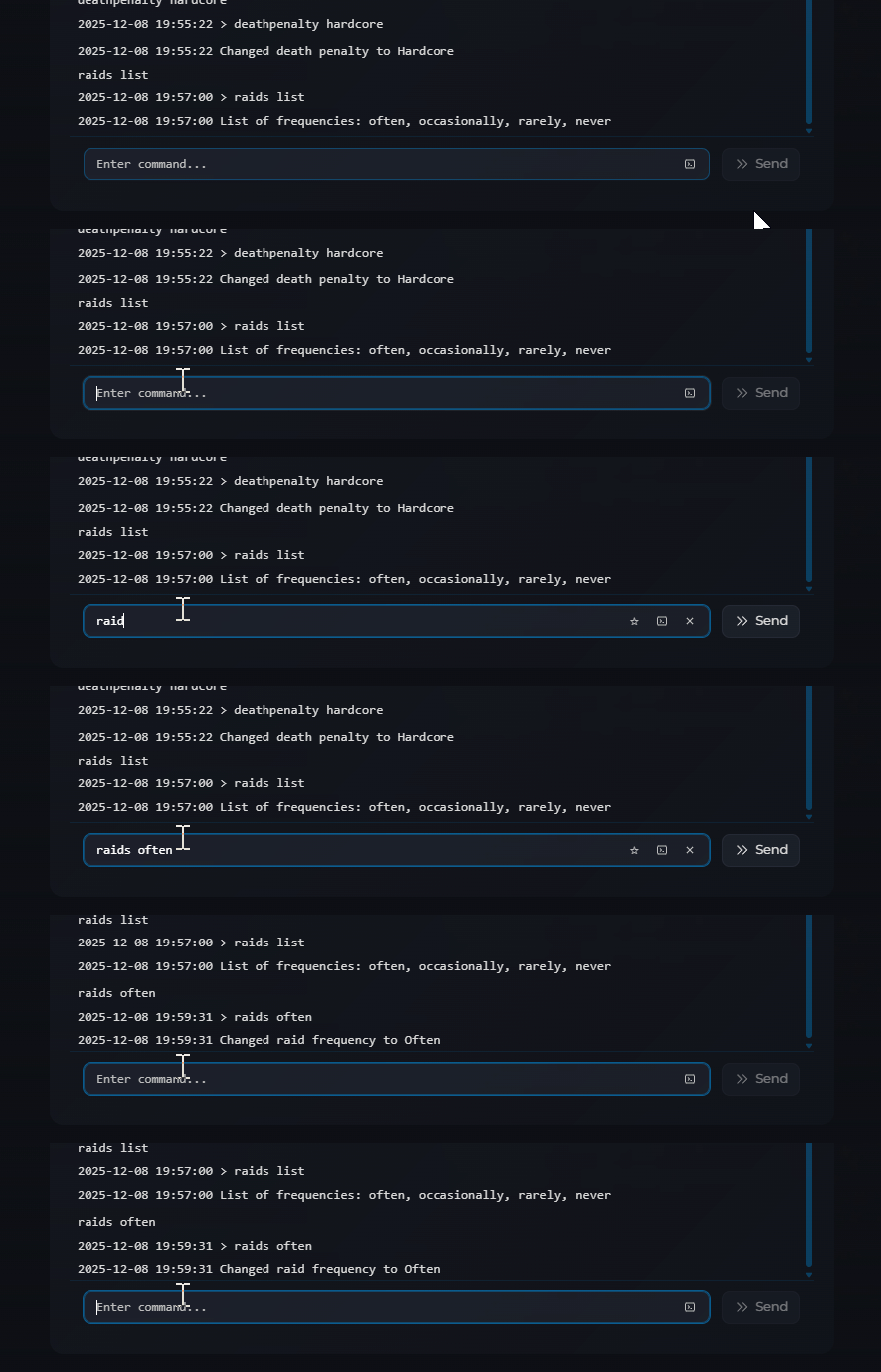
For example, to disable raids entirely:
/raids never
The change takes effect immediately.
Future raids will now follow the new frequency setting you configured.
