
 Necesse
The death penalty determines consequences when players die on your Necesse server. Options range from no penalty for casual play to hardcore mode where death is permanent, letting you customize the risk level for your community.
Death Penalty Options
| Penalty | Command Value | Description |
|---|---|---|
| No penalty | none |
Nothing happens on death |
| Drop materials | drop_mats |
Drop all non equipment, combat, and special items |
| Drop main inventory | drop_main_inventory |
Drop everything except hotbar and equipped items |
| Drop full inventory | drop_full_inventory |
Drop everything on you |
| Hardcore | hardcore |
Character stays dead permanently |
Changing the Death Penalty
- Navigate to the Wabbanode Control Panel and select your Necesse server.
- Click the Console tab.

- Run the following command:
/deathpenalty <penalty>, replacing<penalty>with your chosen option.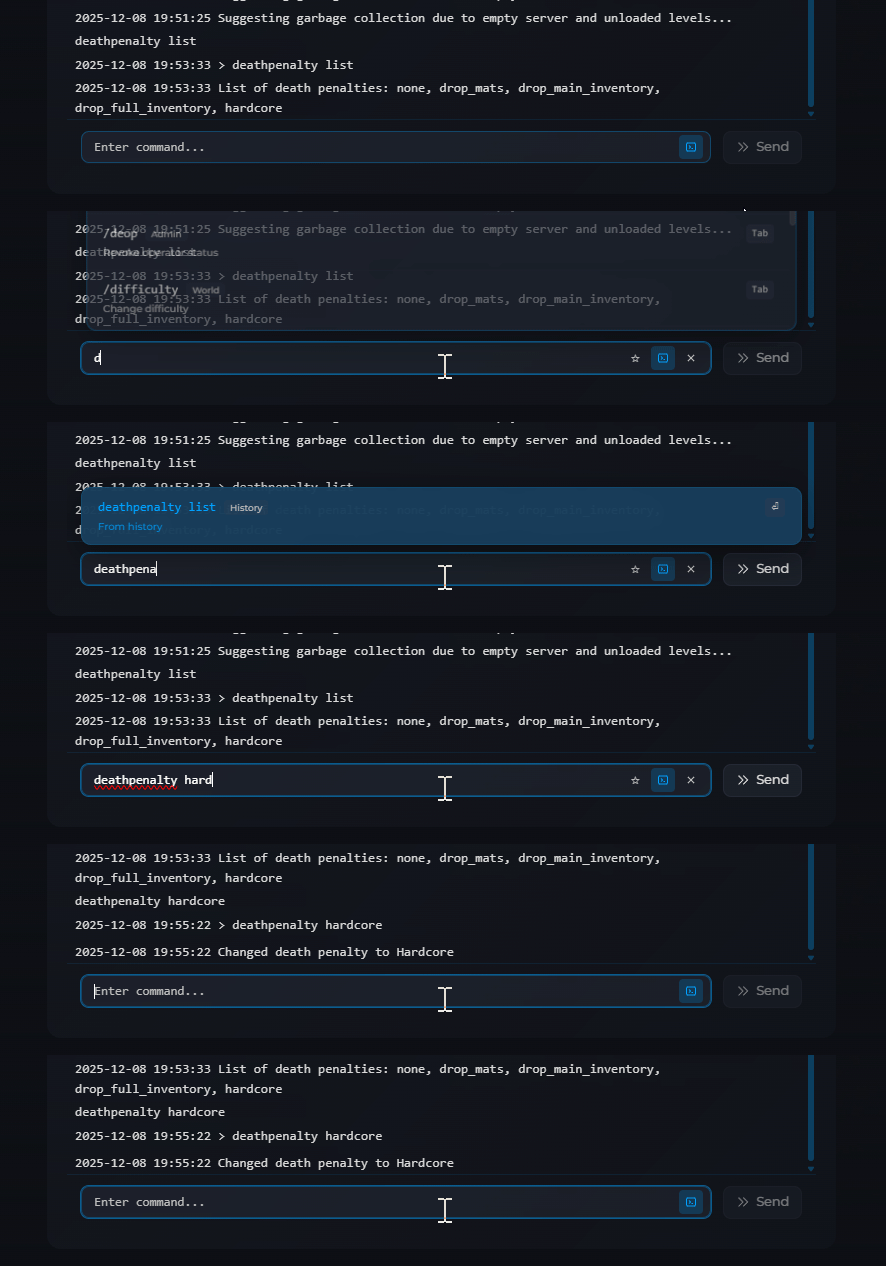
The change takes effect immediately.
The new death penalty takes effect immediately for all future player deaths.
