
 Necesse
Starting fresh in Necesse gives you unexplored terrain, untouched dungeons, and a clean slate for building. You can reset your world by either deleting the existing save file or changing to a new world name.
Resetting your world is permanent and cannot be undone. Download a backup of your world file before proceeding if you want to keep it.
Method 1: Delete the World File
- Navigate to the Wabbanode Control Panel and Stop your server.

- Click the Files tab.

- Navigate to the
saves/worldsfolder.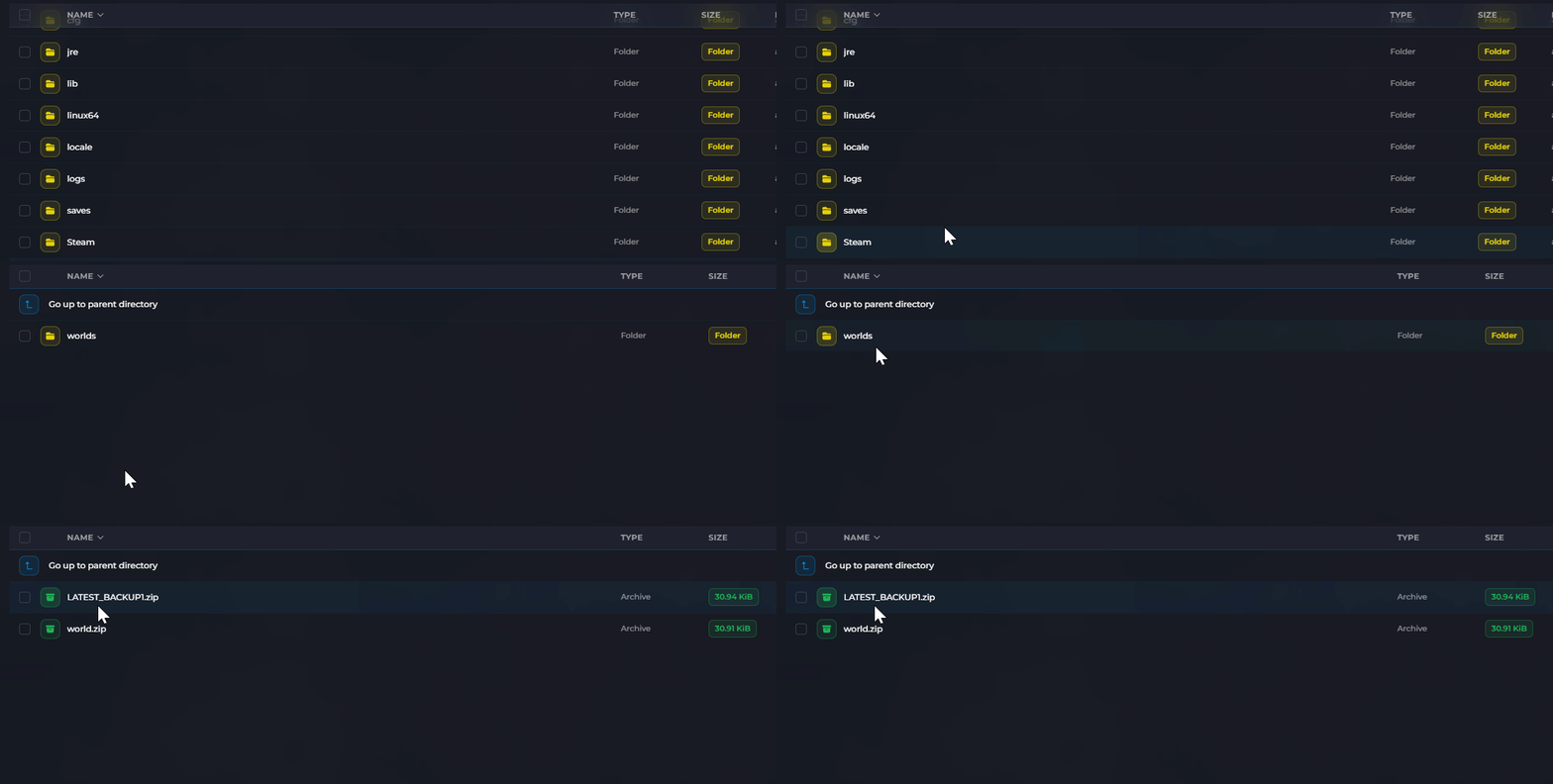
- Locate your world's
.zipfile and delete it.
- Click the Start button to start your server.
The server will automatically generate a new world using your current settings.
Method 2: Change the World Name
- Navigate to the Wabbanode Control Panel and Stop your server.
- Click the Settings tab.

- Locate the World Name field and change it to a new name.

- Click Save and Start your server.
The server will generate a brand new world with the new name. Your old world file remains in the saves/worlds folder if you want to switch back later.
Your server will generate a fresh world with new terrain and dungeons when you start it.
