
Modded Minecraft
Server Hosting
HALLOWEEN SALE
30% OFF All Server Plans
Use Code
Sale Ends In






















How to Make Minecraft Modpack Server
Creating a Modded Minecraft server is incredibly easy with our control panel, fitted with one-click modpack installations.
- Get a Minecraft Server from Wabbanode
- Access your Minecraft Server from our Control Panel. Press Modpacks to access our one-click modpack installer.
- Search for your modpack or modpack creator in the modpack installer.
- Select the latest version, press Install, start your server, and enjoy playing the modpack with your friends.
Configure your
server easily
ONE CLICK MODPACKS
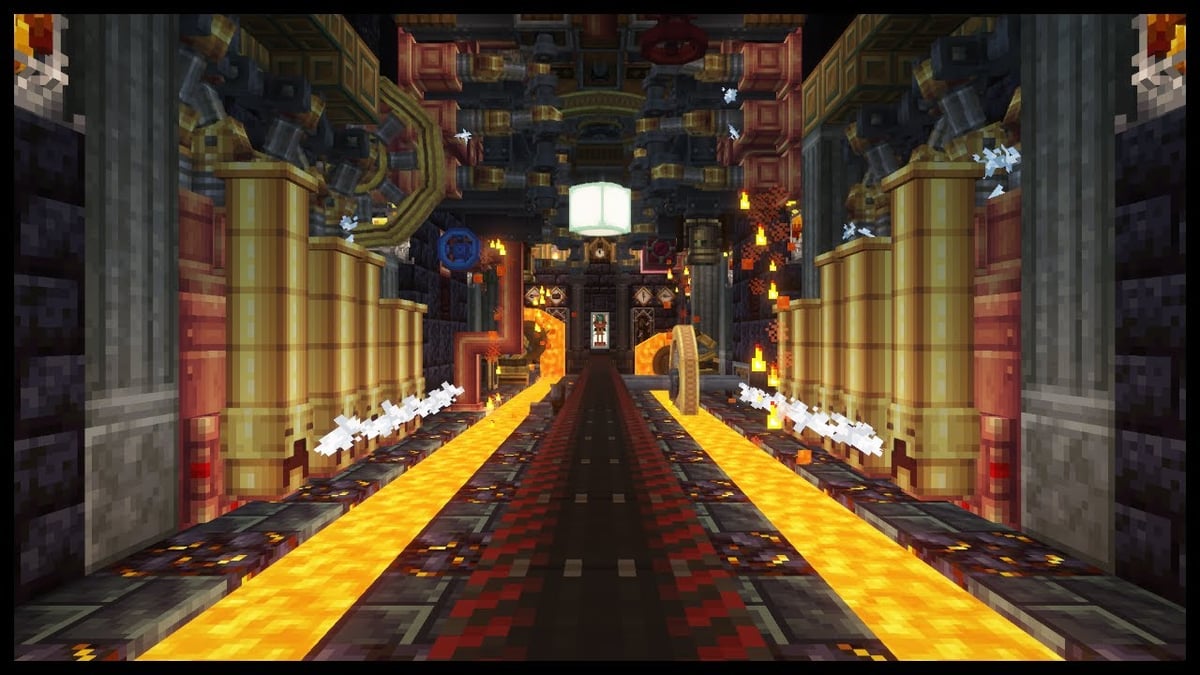
Our One-Click Modpack Installer lets you easily install and manage any Forge or Fabric modpack like All The Mods, Better Minecraft or Pixelmon easily. View our full range of modpacks for Modded Minecraft Server Hosting
Get your modded server online with just a few clicks, you can access a wide range of popular Minecraft modpacks all from our panel. No need for complicated setup or manual configuration.
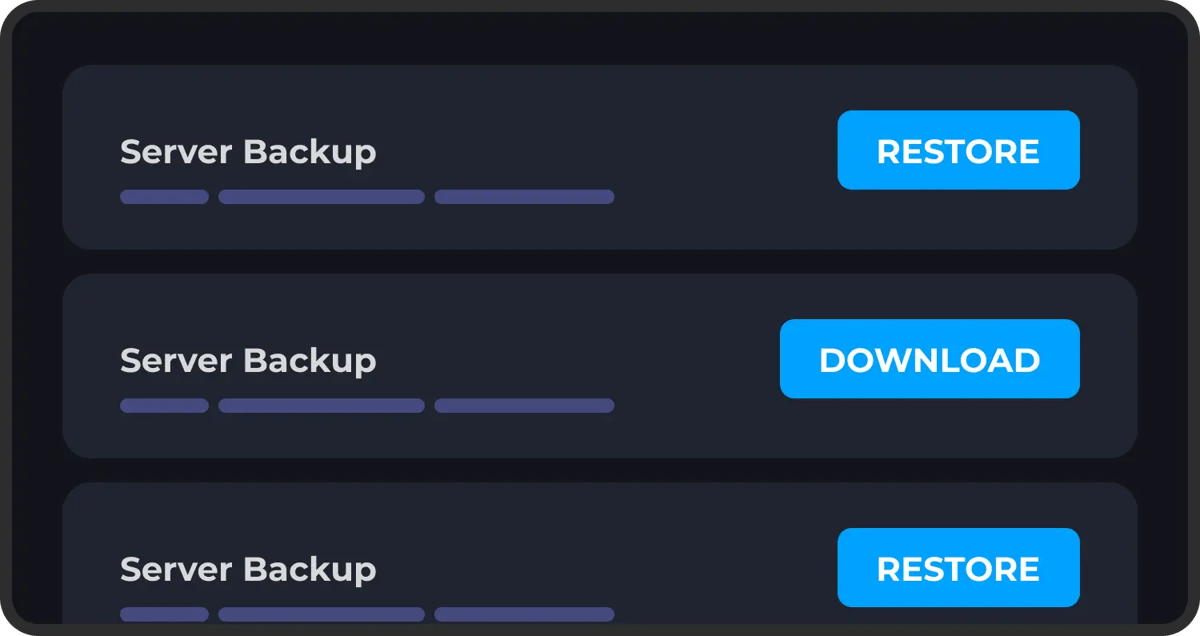
AUTOMATIC BACKUPS
Never worry about losing your progress. Our automatic backup system ensures your server data is regularly saved. You can setup multiple automatic backups using our control panel.
Restoring one of these backups is just as easy, just select the backup you want to roll back to and click restore. Protect yourself from griefing, data loss or any kind of corruption.
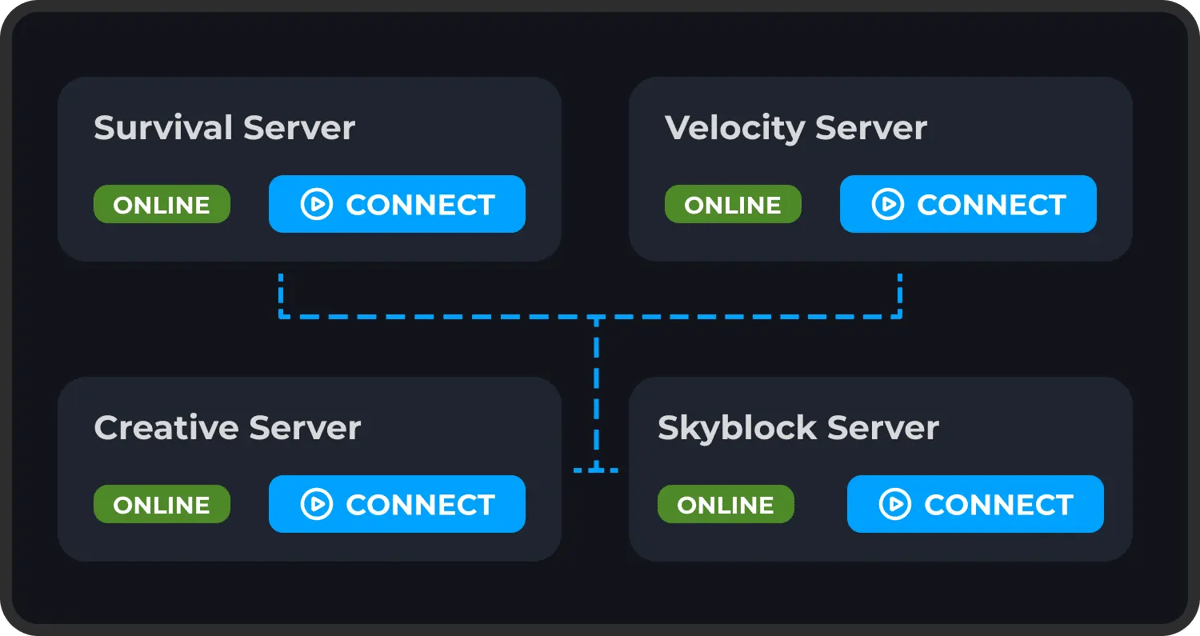
DDOS PROTECTION
Protect your game server from bad actors, DDoS attacks and unauthorised access. We have worked hard to implement robust security measures to safeguard your server and data, giving you peace of mind while you play.
Our servers are equipped with advanced DDoS protection to ensure that we can mitigate high-level attacks on any of our game server's no matter what plan you choose.
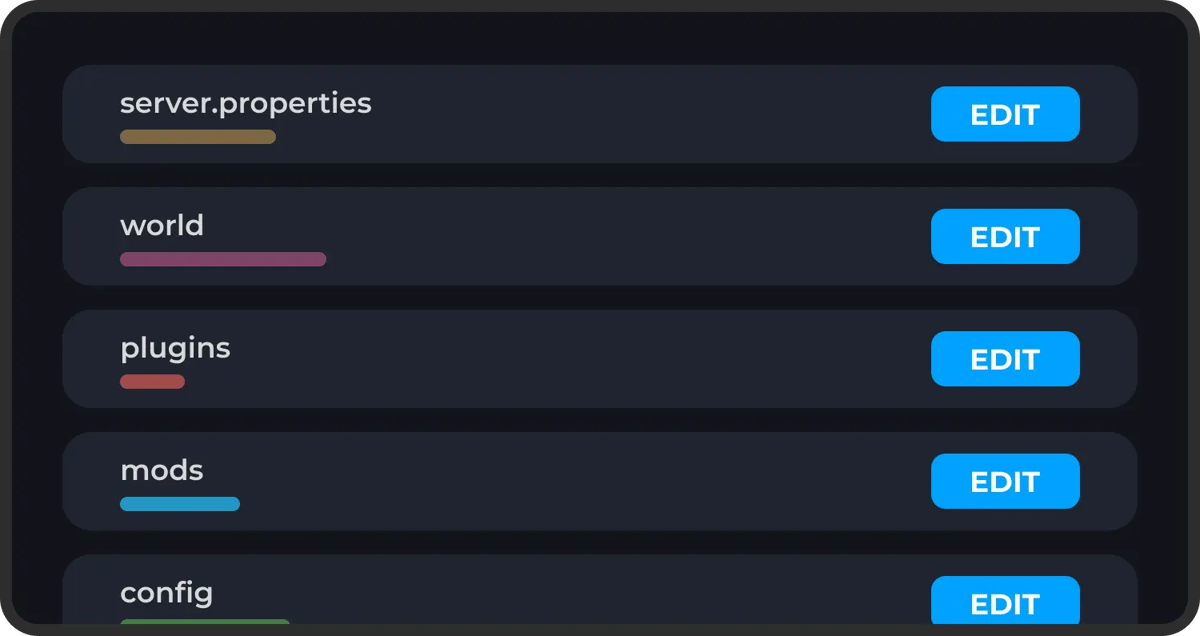
FULL FILE ACCESS
You have complete freedom over your server's setup. We provide full SFTP access, so you can easily manage your files, install mods, add plugins, or make adjustments to your server's configurations without restrictions.
On top of this we make it easy to make changes to any of your server's files or settings directly within our panel. If there's anything you're having issues with you can reach out to our support team at any time.
Explore Features
Discover the powerful features that make your server hosting experience seamless and reliable.
What Our Customers Say
Real feedback from gamers who trust us with their server hosting needs
Reviewer names may have been anonymised to protect our customers’ privacy.
“My experience thus far with Wabbanode has been excellent. I am not a pro when it comes to tech or knowing exactly how to set up a server. The service has helped setup my se...”
“All of the workers assisting with server side issues are really nice and respectful, and are very quick to get things fixed or configured.”
“Tabby was absolutely amazing and so dang kind and sweet, amazing customer service 10/10 prices are expensive but would come back again and again because of being treated so nicely”
“I run a Minecraft community with their servers and Im really pleased. They have a decent panel which just works and the owner seems really knowledgeable and regularly giv...”
“I currently have a project zomboid server with them and it has been running great over the last 2 months with mods. They also have good support which makes things very easy”
“I love this site the support is the best i ever had and the server performance is so so good”
“Tabby M did an amazing job helping me transfer my server from my old host to Wabbanode. He also helped me set up extra features I didn’t even know about, and everything is...”
“My girlfriend and I used to use bisect hosting to play modded Minecraft together, and it was good until she wanted to make her own modpack. We couldn't figure it out and t...”
“Markus In Particular Was Extremely Helpful I Will 100% Be Using This Server Host From Now On. Keep Up The Good Work. Love Yall's Company!”
Some of our helpful guides
We have many helpful guides to kickstart your Minecraft server hosting experience with us.
What to Do When Minecraft Authentication Servers Are Down
Learn how to tell if Minecraft's authentication servers are down, where to check for outages, and what to do so players can still join your server.How to Install and Use LuckPerms on Your Minecraft Server
Learn how to install the LuckPerms plugin or mod on your Minecraft server and use LuckPerms commands to manage permissions, groups, and prefixes.How to Use Minecraft Color Codes on Your Server
Learn how to use Minecraft color codes and formatting codes for your server's MOTD, chat, signs, books, and command output on Java Edition or Bedrock Edition.How to Turn Off Minecraft Advancements on Your Server
Learn how to stop advancement chat announcements and fully disable Minecraft advancements or achievements on your Java Edition or Bedrock Edition server.How to Disable Mob Spawning on Your Minecraft Server
Learn several ways to disable mob spawning on your Minecraft server, from server-wide settings to specific mob types.How to Add Mods to an Existing Modrinth Modpack
Learn how to add new mods to an existing Modrinth modpack instance using the Modrinth App's Content tab, then push the updated pack to your Wabbanode server.Frequently Asked Questions
Everything you need to know about our game server hosting. Can't find what you're looking for? Contact our support team.
What is game server hosting?
Game server hosting runs a game's multiplayer server on dedicated hardware in a datacenter, so your world stays online 24/7 without anyone leaving their own PC running.
You pick a game and plan, we provision the server automatically, and you manage everything from the control panel: settings, files, mods and backups.
What games can I host with you?
We host more than 61 games, from Minecraft, Rust and Valheim through to smaller community titles, and the catalogue keeps growing.
They all run through the same control panel, so hosting a new game never means learning a different setup. Use the search at the top of this page to check for a specific title.
How much does a game server cost?
It depends on the game and how much RAM your world needs. Every card above shows that game's starting price, with plans from $1.49/mo.
Whatever the size, the features are the same: daily backups, DDoS protection, full file access and 24/7 support are included on every plan.
Which plan should I pick for my game?
Each game's page recommends a plan based on how many players you expect, so you don't have to guess at RAM numbers.
If you're unsure, start smaller. You can upgrade or downgrade at any time without losing your world.
Can I switch my server to a different game?
Yes, your server isn't tied to the game you bought it for, and there are no per-game plans to re-buy.
Switch between any of our supported games from the control panel, and use Instances to keep each game's world, mods and settings saved while you do.
Don't see the game you want to host?
If a game has a dedicated server available, we can usually host it.
Ask us on Discord or open a ticket and we'll look into adding it to the catalogue.
How many players can join my server?
Our plans don't cap player slots. The practical limit is how much RAM your world and player count need for the game you're running.
Each game's page maps player counts to recommended plans, and you can upgrade at any time if your community grows.
How quickly will my server be online?
Your server is provisioned automatically the moment payment is confirmed.
It appears in your control panel ready to use. Share the address with your friends and start playing.
What are you waiting for?
Or talk with
Our Team