
 Necesse
Kicking disconnects a player from your server immediately, but allows them to rejoin. Use this for minor disruptions, warnings, or when you need to free up a player slot temporarily.
Kicking a Player
- Navigate to the Wabbanode Control Panel and select your Necesse server.
- Click the Console tab.

- Run the following command:
/kick <playername>, replacing<playername>with the player's name.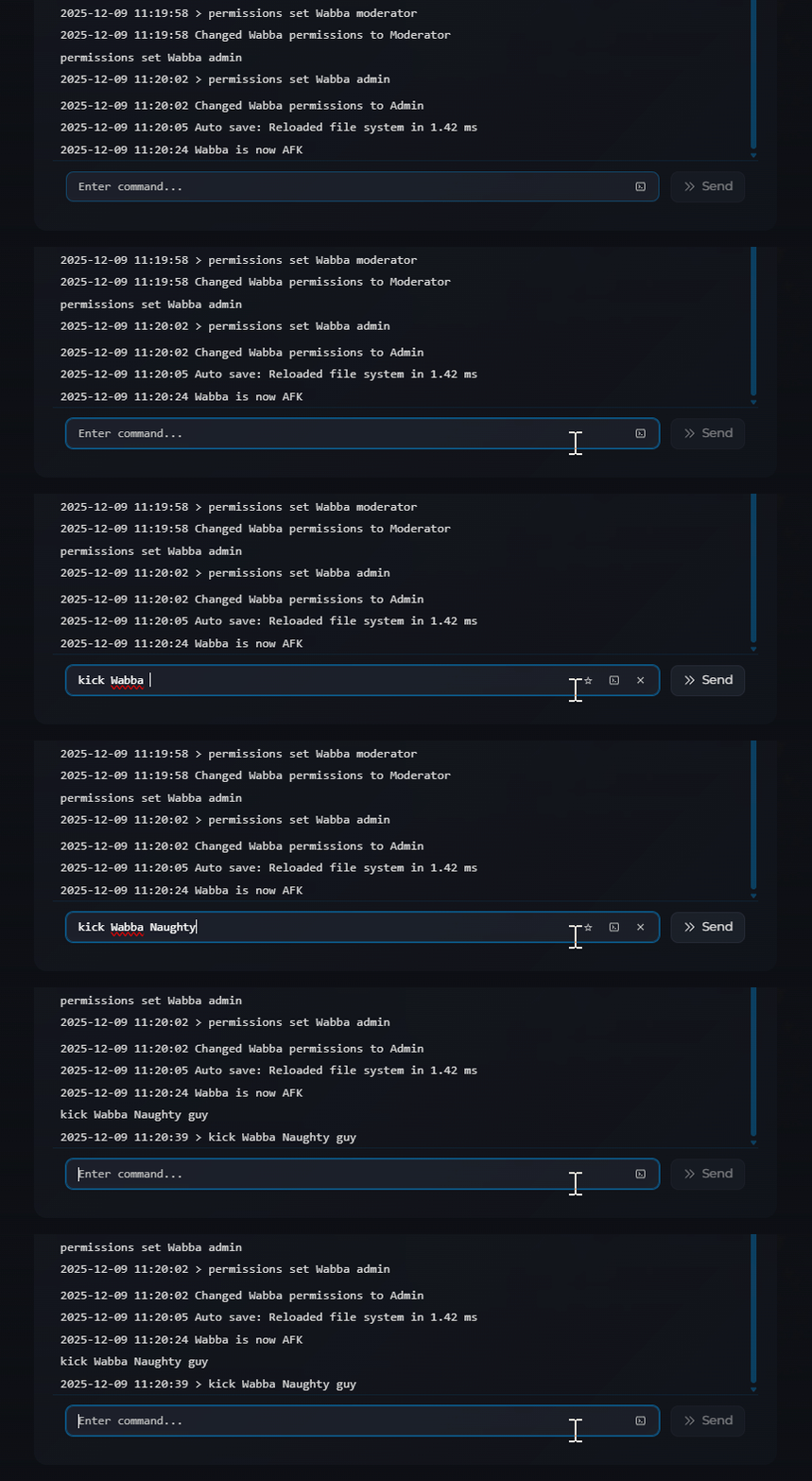
You can also include a reason using /kick <playername> <reason>
The player will be immediately disconnected from the server.
Kicked players can rejoin the server immediately. To permanently remove a player, see How to Ban and Unban Players on Your Necesse Server.
The player has been disconnected and can rejoin when ready to follow the rules.
