
 Rust
RustBlueprints in Rust are crafting recipes that players unlock through gameplay. Unlike map data, blueprints persist across regular wipes. Resetting blueprints gives all players a fresh start with no learned recipes.
Resetting blueprints is irreversible. All players will lose their learned blueprints and must start from scratch.
Resetting Blueprints
- Navigate to the Wabbanode Control Panel and select your Rust server.
- Stop your server.

- Click the Files tab.

- Navigate to the
serverfolder, then open the folder matching your Identity Save Name from Settings.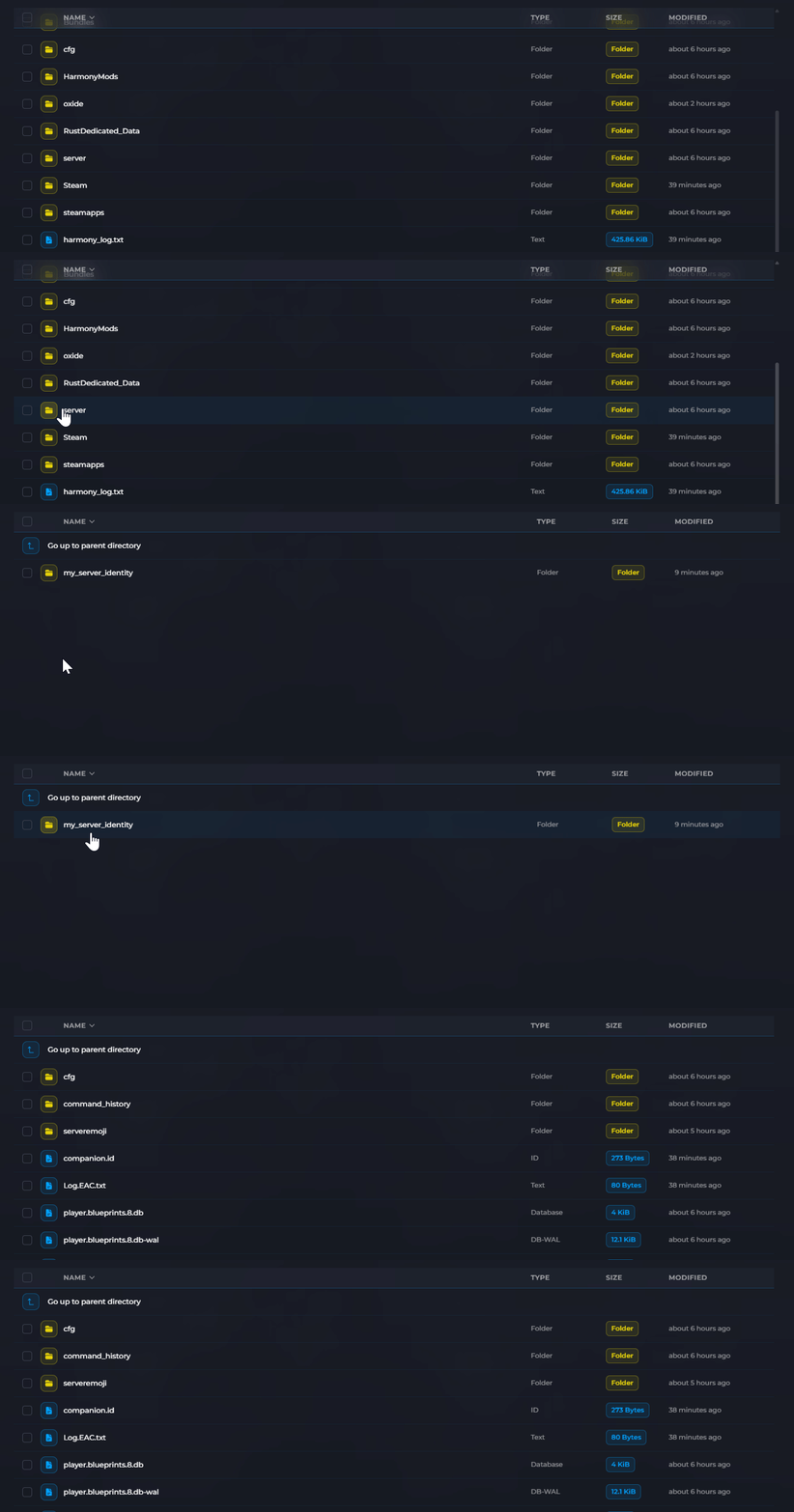
- Delete the
player.blueprints.*.dbfiles.
- Start your server.
All players will now start without any learned blueprints.
Full Wipe (Map + Blueprints)
To perform a complete wipe that resets both the map and blueprints:
- Follow the steps in How to Wipe Your Rust Server to delete map files.
- Also delete the
player.blueprints.*.dbfiles as described above. - Start your server.
When to Reset Blueprints
| Scenario | Reset Blueprints? |
|---|---|
| Weekly map wipe | Usually no |
| Monthly forced wipe | Often yes |
| Fresh server launch | Yes |
| Rebalancing after major update | Yes |
| Changing server type (vanilla to modded) | Recommended |
Many servers only reset blueprints during forced wipes (first Thursday of each month) to give players more time to enjoy their progress.
Blueprints have been reset on your server. All players will need to learn blueprints again.
