
 Rust
RustWiping your Rust server resets the map, removes all player-built structures, and gives everyone a fresh start. Most Rust servers wipe on a regular schedule, typically weekly or monthly.
Wiping your server is irreversible. All player bases, items, and progress will be permanently deleted. Make sure you want to proceed before following these steps.
Performing a Map Wipe
- Navigate to the Wabbanode Control Panel and select your Rust server.
- Stop your server.

- Click the Files tab.

- Navigate to the
serverfolder, then open the folder matching your Identity Save Name from Settings.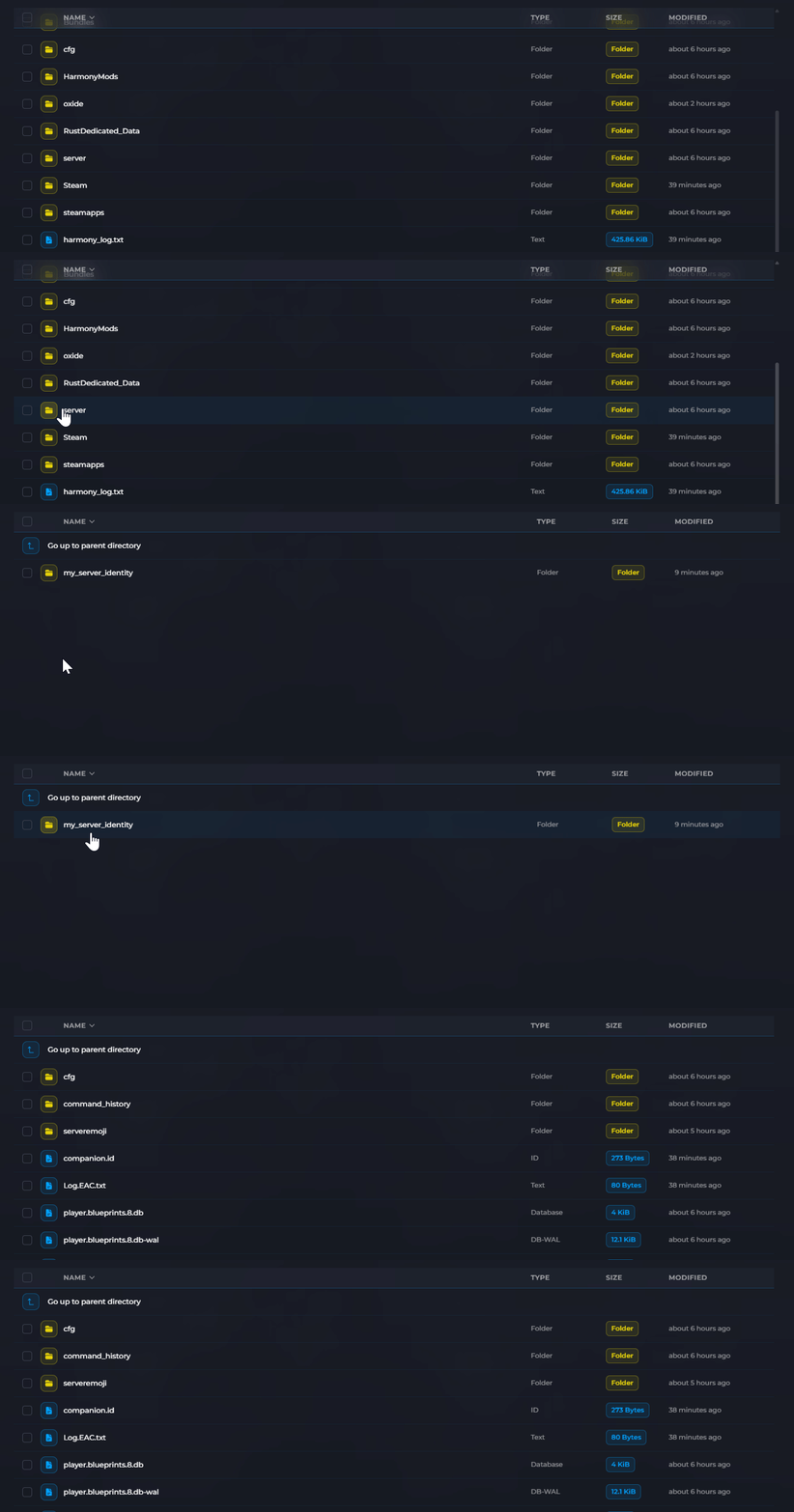
- Delete the following files:
*.sav(save files)*.map(map files)
- Start your server.
The server will generate a fresh world when it starts.
Generating a New Map Layout
If you want a completely different map layout after wiping, change the world seed before starting the server:
- Click the Settings tab.

- Locate the World Seed field and enter a new number.

- Click Save then start your server.
See How to Change the World Seed on Your Rust Server for more details.
What Gets Wiped
| Data | Wiped? |
|---|---|
| Player bases and structures | Yes |
| Items in storage | Yes |
| Map layout (if seed unchanged) | No |
| Player blueprints | No |
Blueprints are stored separately and are not affected by a map wipe. To reset blueprints, see How to Reset Blueprints on Your Rust Server.
Forced Wipes
Facepunch (Rust's developer) performs a forced wipe on all servers on the first Thursday of every month. During a forced wipe:
- All servers must update to the new version
- Map saves become incompatible with the new version
- Most servers also wipe blueprints during forced wipes
Your Rust server has been wiped. A fresh world will be generated when the server starts.
