
 Minecraft
There are a few quick ways to find a Minecraft player's UUID on your server, the unique identifier used behind the scenes for whitelists, ban lists, player data files, and plugin configuration instead of a username. Server files reference players by UUID rather than name, so knowing how to look one up comes in handy fairly often.
Wabbanode Server Console
If you know the player's username, you can check your server's usercache.json file through the Files tab in your Wabbanode panel, which stores a name-to-UUID mapping for every player who has connected.
On an offline-mode server, this UUID is generated from the player's username, so whitelisting by UUID only stays reliable as long as that username doesn't change.

Using an Online Lookup Tool
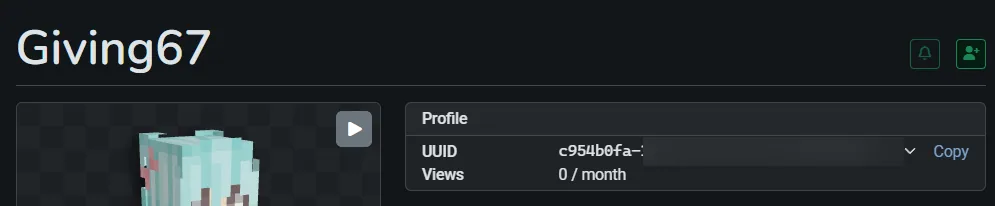
If the player hasn't joined yet, or you just need a quick lookup, a site like NameMC lets you search a username and see its current UUID, along with the player's name history for Java Edition accounts.
Bedrock Edition Players
Bedrock accounts use a different ID system tied to Xbox Live rather than a Java-style UUID. If you're running a cross-play server through Geyser and Floodgate, each Bedrock player still gets a Java-style UUID so the rest of the server can reference them, but Floodgate builds it from their Xbox XUID in a fixed pattern rather than getting one from Mojang: 00000000-0000-0000-xxxx-xxxxxxxxxxxx. You can find it the same way as any other player, through the server console or an online lookup tool, once they've connected.
A UUID starting with 00000000-0000-0000- belongs to a Bedrock player connecting through Geyser and Floodgate, not an offline-mode server. To check whether a Java player's UUID came from Mojang, look at the third group: a leading 4 means it's a real online-mode UUID, anything else means the server generated it locally from the username.
You now have the player's UUID for whitelists, ban lists, or plugin configuration.
