
 Rust
RustRust doesn't have built-in password protection, but you can add it using the Password plugin. Players will be prompted to enter the password when they join your server.
This guide requires uMod to be installed on your server. See How to Install uMod (Oxide) on Your Rust Server for instructions.
Installing the Password Plugin
- Download the Password plugin from uMod.
- Upload the plugin file to your
oxide/pluginsfolder. See How to Install uMod Plugins on Your Rust Server for detailed instructions. - Start your server to generate the config file.
Configuring the Password
- Navigate to the Wabbanode Control Panel and select your Rust server.
- Click the Files tab.

- Navigate to the
oxide/configfolder.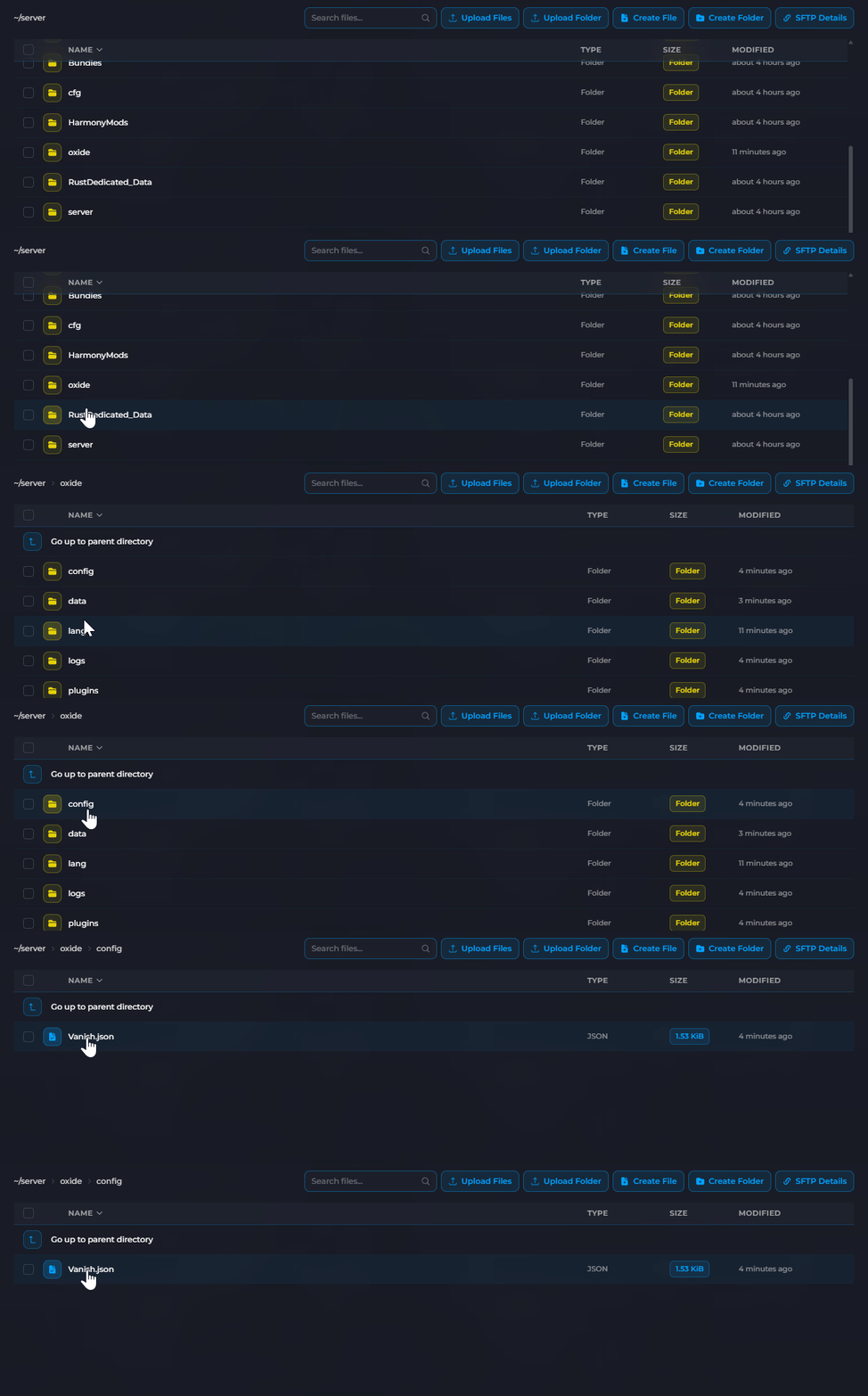
- Click on
Password.jsonto open it.
- Set your desired password with the Server Password option.

- Click Save then reload the plugin using the console command:
oxide.reload Password
When players join your server, they'll be prompted to enter the password. They won't be able to move or interact until they enter the correct password.
Your Rust server is now password protected. Only players who know the password will be able to play on your server.
