
 Valheim
Every Valheim world is generated from a unique seed. Knowing your world's seed lets you share it with others or use it to create a new world with the same terrain layout. This guide shows you how to find your server's world seed.
Downloading Your World File
- Navigate to the Wabbanode Control Panel and Stop your server.

- Click the Files tab.

- Navigate to the saves > worlds_local folder.
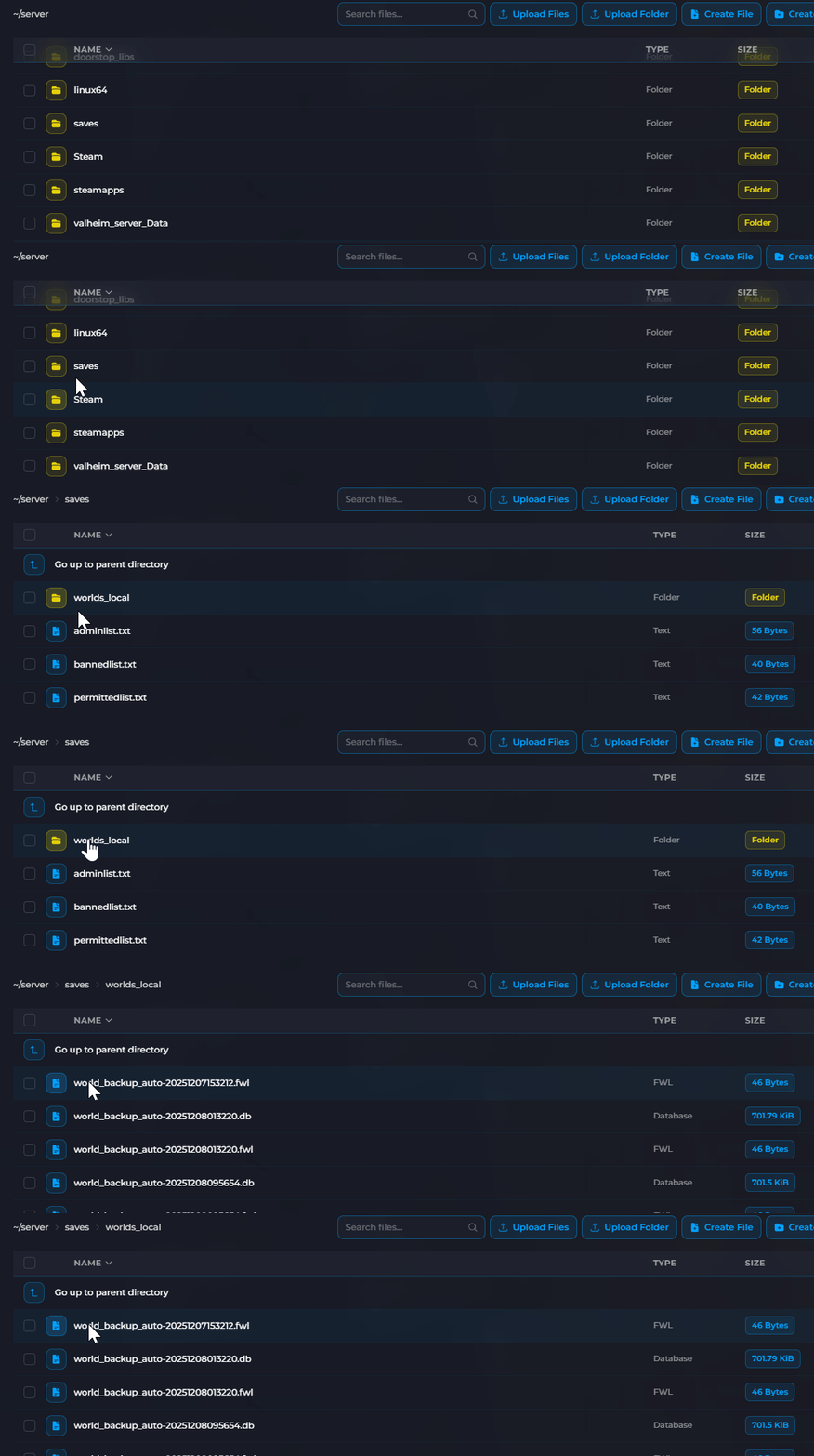
- Select the .fwl file matching your world name and click Download.

The file is named after your world. The default world name is world, so the file would be world.fwl. If you changed your world name, look for yourworldname.fwl instead.
Extracting the Seed
- Visit the Valheim Seed Extractor.
- Under Upload your .fwl file, click Choose File and select the
.fwlfile you downloaded.
- Your world seed will be displayed at the bottom of the page.

You've successfully found your Valheim world seed. You can now share it or use it to recreate the same world layout.
