
 Vein
VeinAdmins have access to the in-game admin panel, allowing them to manage players, spawn items, control weather, and more. VEIN supports two admin levels: Admin and SuperAdmin.
Admin Levels
| Level | Permissions |
|---|---|
| Admin | Access to most admin panel features |
| SuperAdmin | Full access including sensitive server controls |
Finding a Player's SteamID64
Before adding an admin, you'll need their Steam64 ID. This is a unique 17-digit number that identifies each Steam account.
- Visit SteamID.net.
- Enter the player's Steam username or profile URL in the search field.

- Locate the SteamID64 (Dec) field in the results.

- Copy this number — you'll need it for the next steps.
The SteamID64 (Dec) is a 17-digit number that looks like 76561199811316573. Make sure you copy the decimal version, not the hex version.
Adding Admins
- Navigate to the Wabbanode Control Panel and Stop your server.
- Go to the Files tab and navigate to
/Vein/Saved/Config/LinuxServer/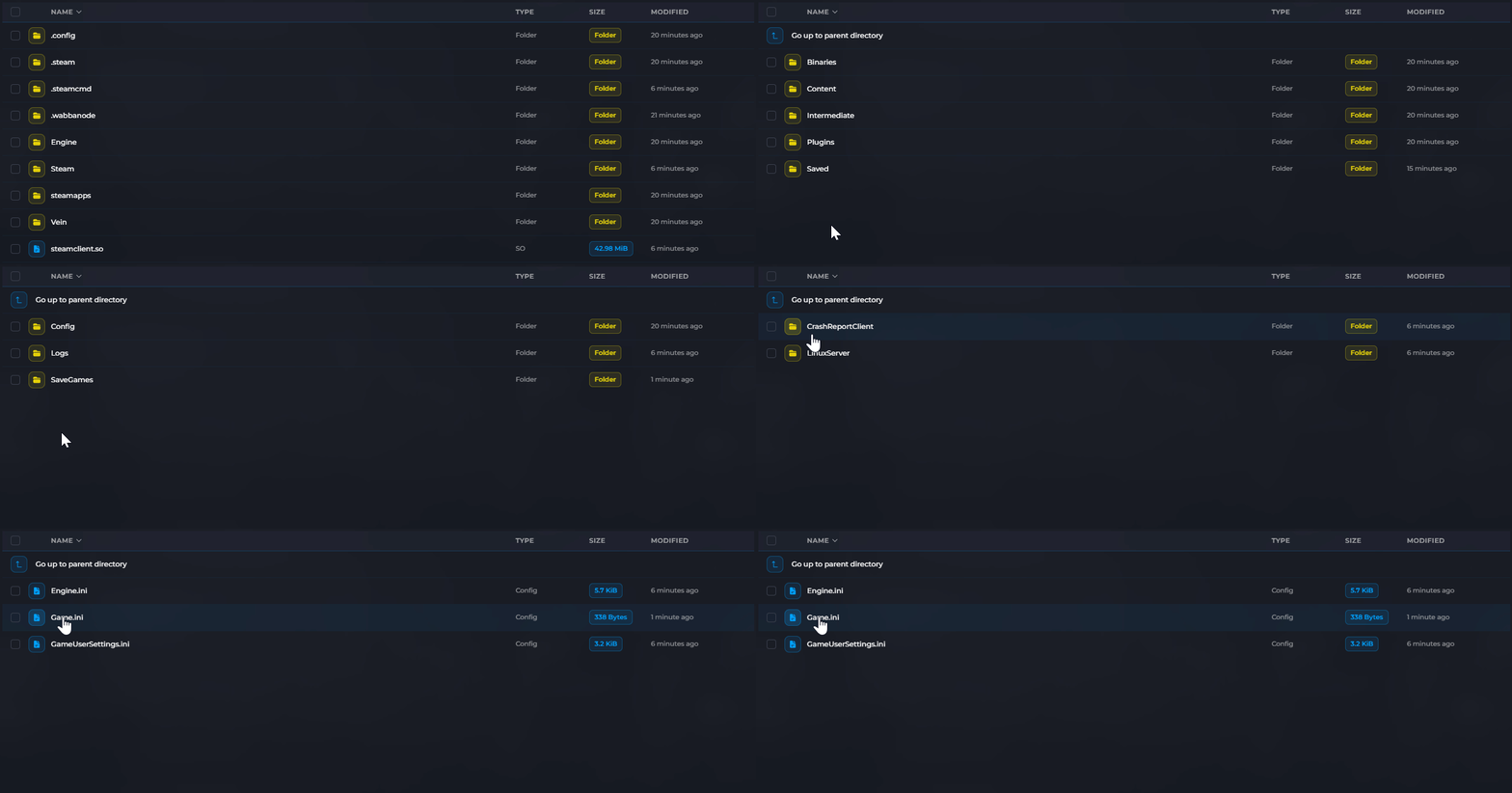
- Open Game.ini

- Add admin entries using one of these formats:
For regular admins, add a new line for each admin:
AdminSteamID=76561198000000001
AdminSteamID=76561198000000002
For super admins, use a comma-separated list:
SuperAdminSteamIDs=76561198000000001,76561198000000002
 5. Click Save and Start your server.
Accessing the Admin Panel In-Game
Once added as an admin, press the backslash \ key in-game to open the admin panel. You may need to press it twice.
The specified players now have admin privileges on your VEIN server.
