
 Frontier Legends
Hosting a server with Wabbanode gives you the flexibility to manage different game files on one server. Creating a new instance is the best way to start a new Frontier Legends save without deleting your current progress on another game like Minecraft.
Creating a New Instance
- Navigate to the Wabbanode Control Panel and Stop your server.

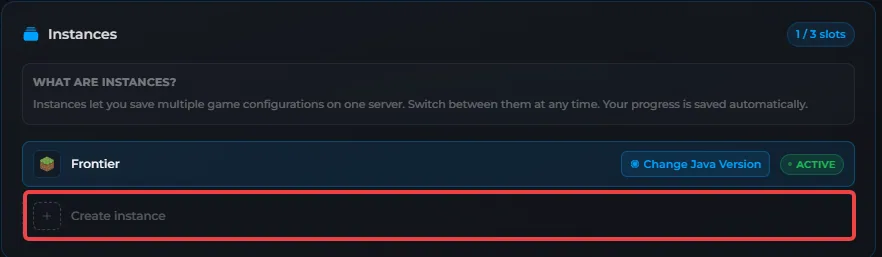
- Find the Instances section and click on Create Instance.
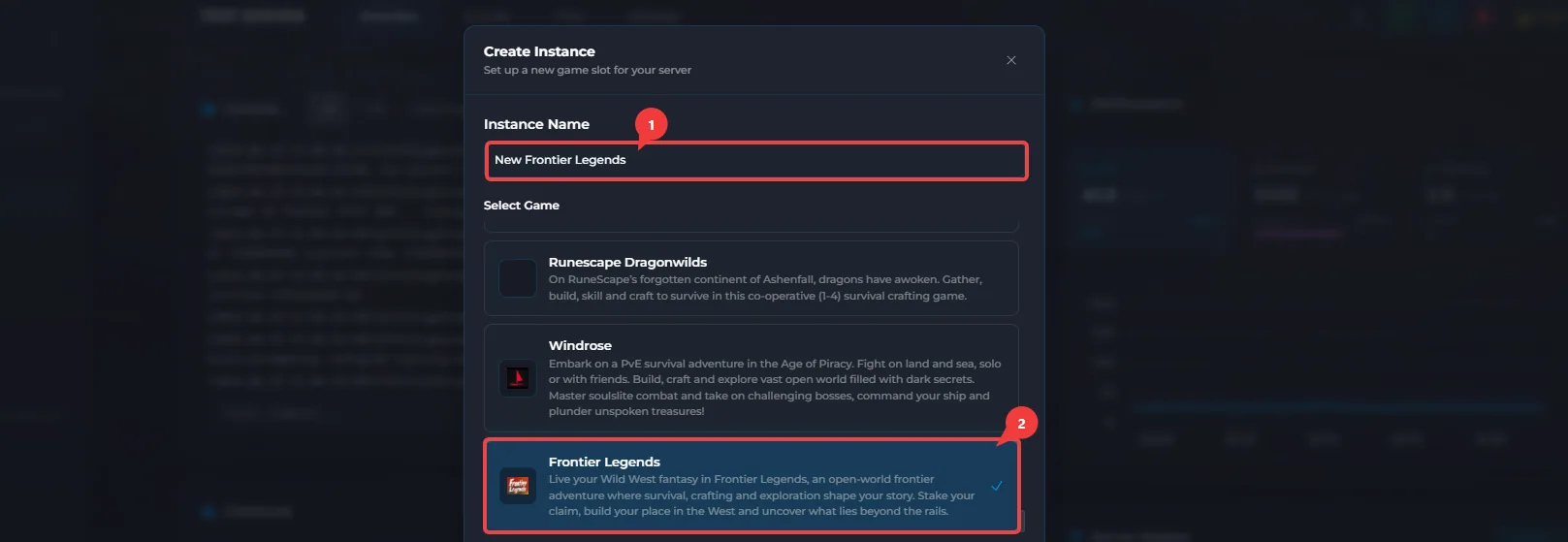
- Name the instance, then locate and click on Frontier Legends.
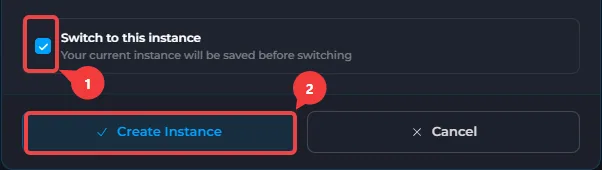
- Click on Switch to this instance and then click on Create Instance.
- Start your server and allow it to fully load to make sure the game is installed on your server.
Your new Frontier Legends instance is now successfully created and ready to use. You can invite your friends to join the server as soon as it is online.
