
 Frontier Legends
Once your Frontier Legends server is up and running, you will need to find it in the in-game session list to connect. You can easily locate and join your server by searching for its name in just a few steps.
We recommend changing your server name before trying to connect. This will make it easier to find your server in the public list.
Joining Your Server
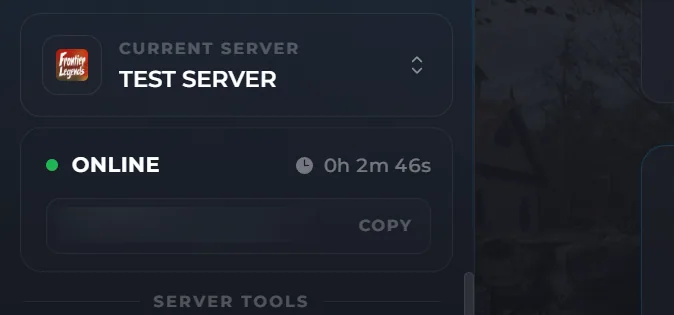
- Navigate to the Wabbanode Control Panel and make sure your server is online.
- Click the Settings tab to find your Frontier Legends Server Settings
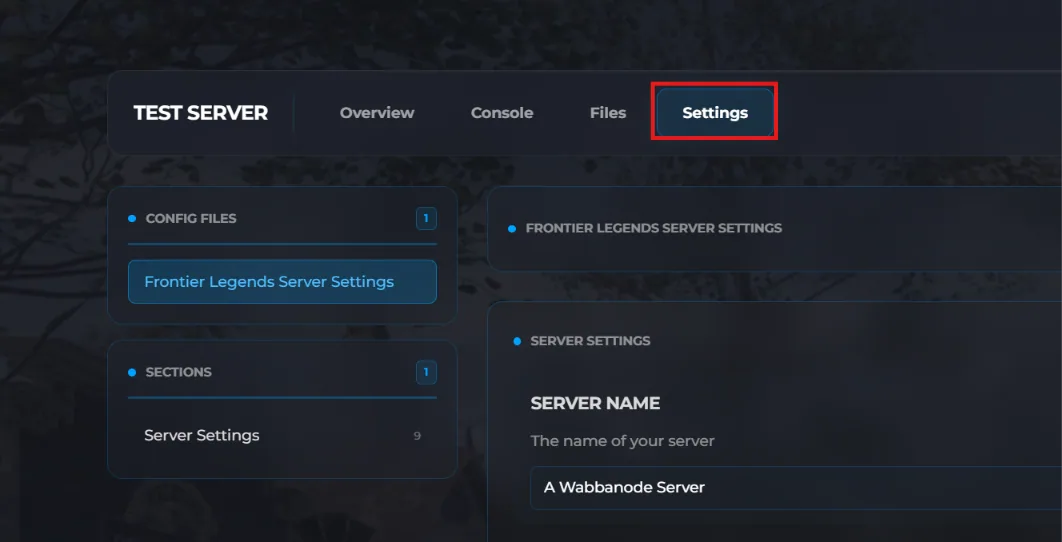
- Take a note of your server name. By default, this will be A Wabbanode Server - followed by the first eight digits of your server UUID.

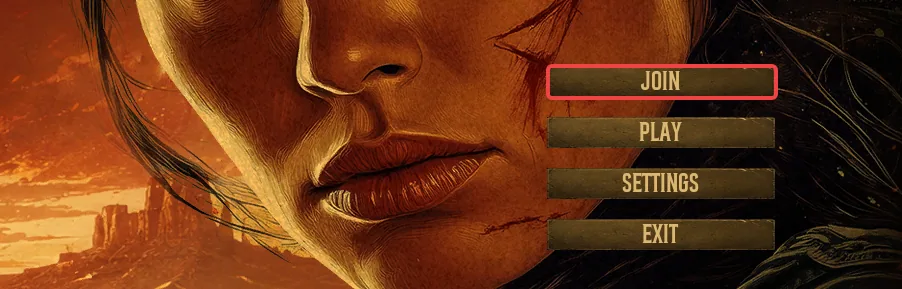
- Open Frontier Legends and click on Join from the main menu.
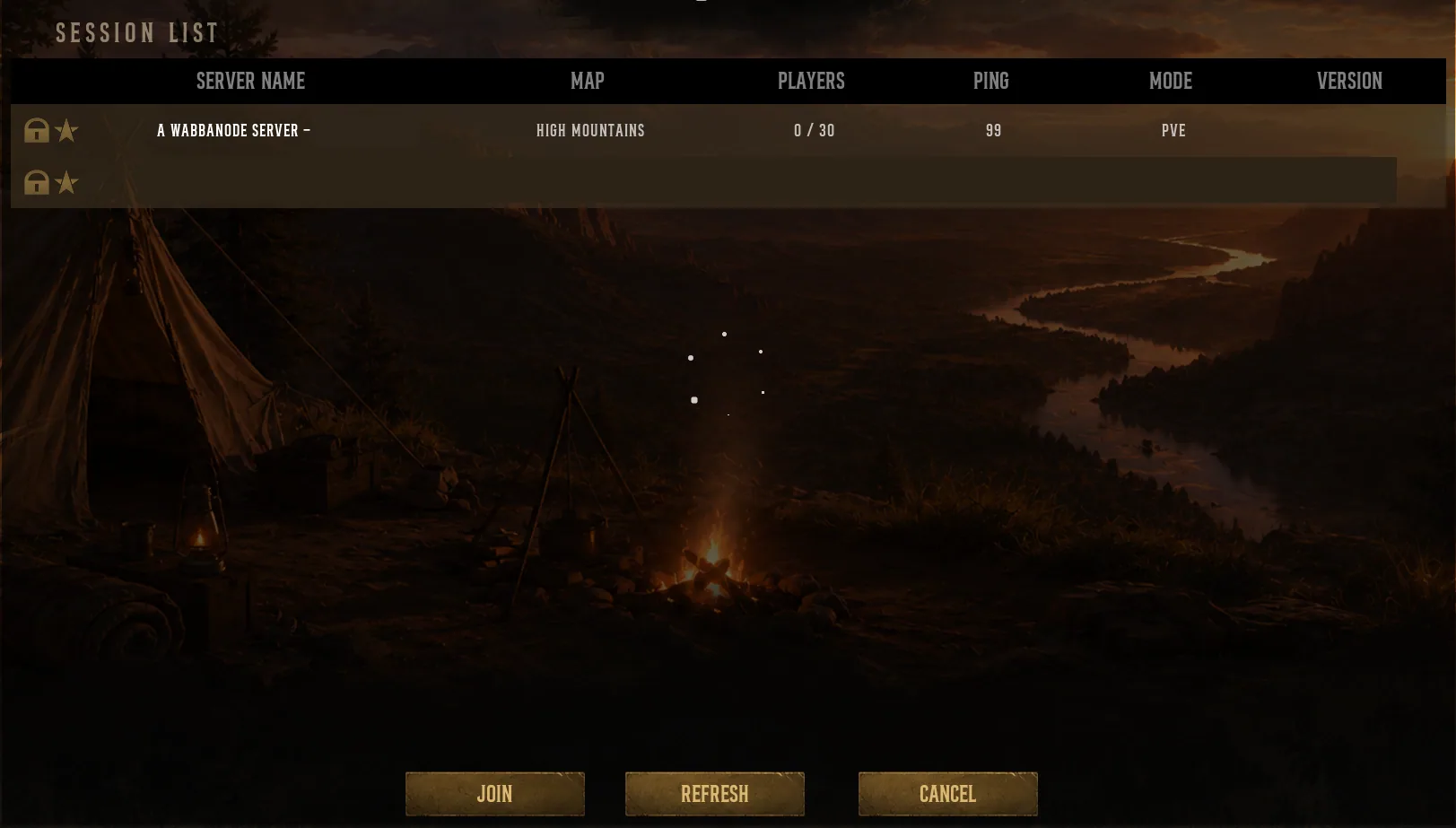
- Search for your server name within the session list and click join.
Tips
- Change your server name to something unique so you and your friends can find it
- Add a password if you wish to prevent other players from joining
- Make sure your game is fully updated on Steam before trying to connect to the server
You have successfully connected to your Frontier Legends server. You can now invite your friends to join the server and start exploring.
