
 Frontier Legends
Getting stuck in the terrain or wandering too far from your settlement in Frontier Legends can be frustrating. If you ever find yourself trapped or simply want a quick way back, choosing to respawn will cause your character to drop their inventory, but it allows you to go back to a spawn point so you can keep playing.
Respawning in-game
- While playing on your server, press the Esc key to bring up the in game menu.
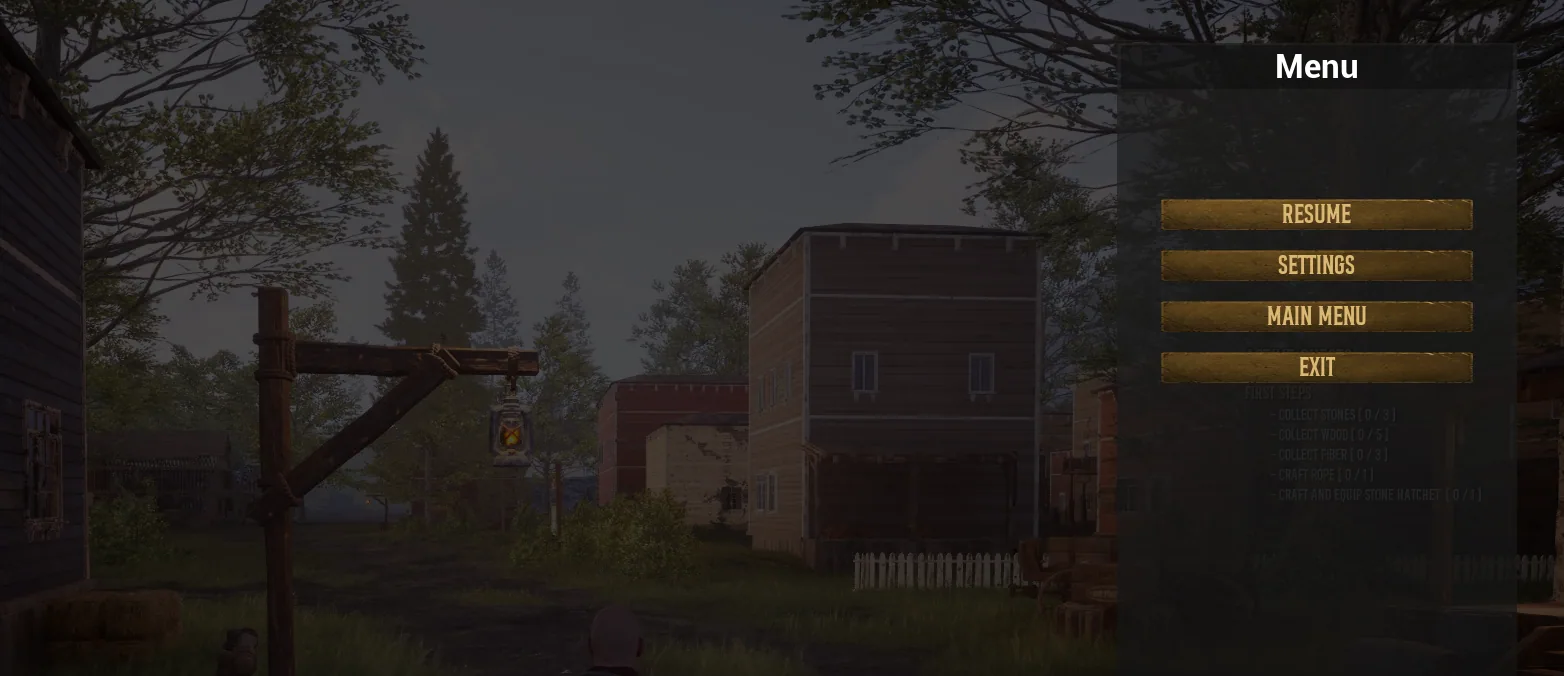
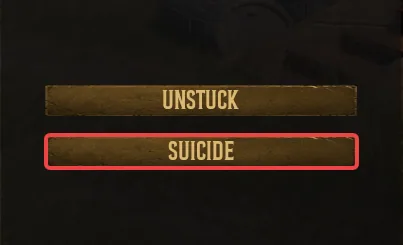
- Locate and click on the Suicide button at the bottom of the menu.
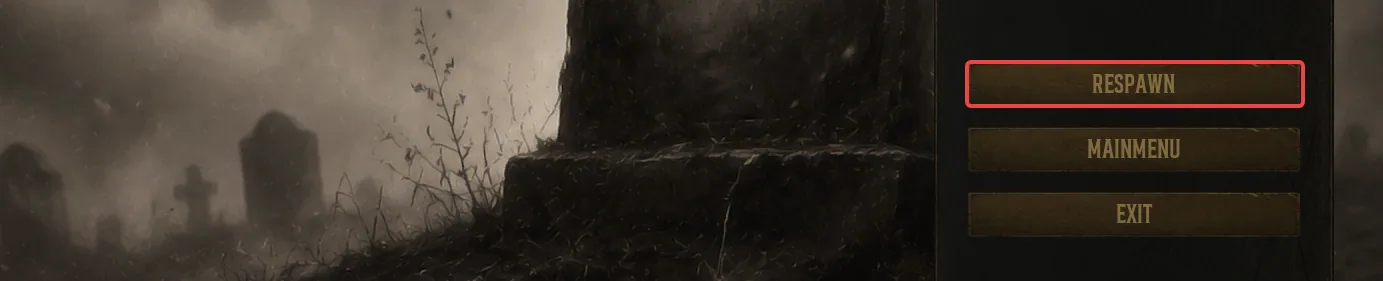
- A death menu will now appear in-game. Click the Respawn button and you will be spawned right back into the game.
Your character has now been respawned on your server. You can now gather new supplies or head back to your previous location to recover your dropped items.
