
 Frontier Legends
Sometimes Frontier Legends might run into unexpected issues on your own computer. Finding your client logs is the best way to figure out what is going wrong locally so you can fix the problem.
Finding Client Logs
- Open Steam and head to your game library.

- Search for Frontier Legends in your list of games.
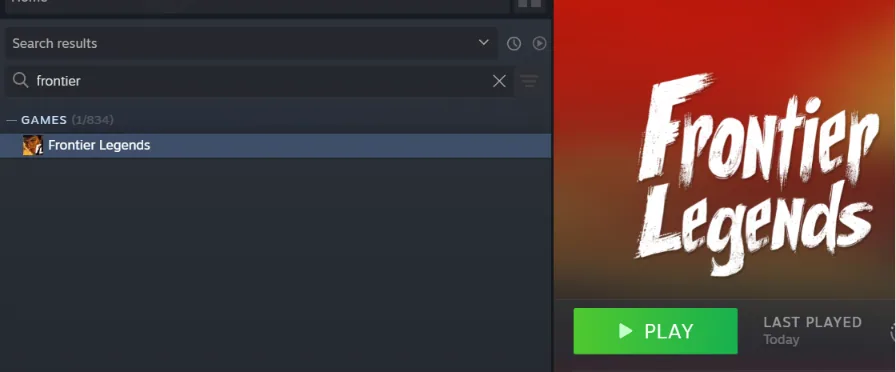
- Right click and open the Properties menu.

- Open the Installed Files tab and click on Browse.
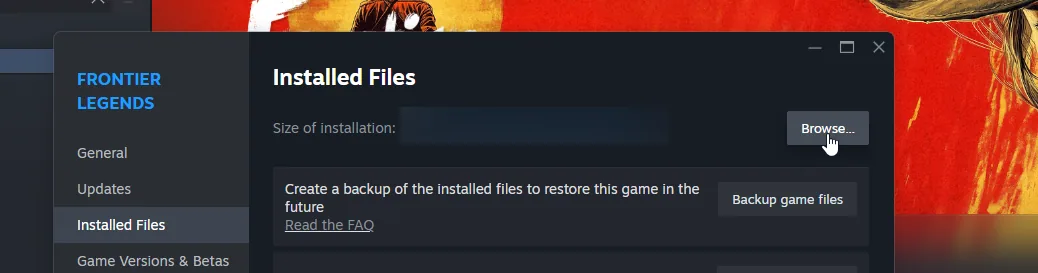
- A folder will open on your PC, navigate to the
FrontierLegends > Saved > Logsfolder.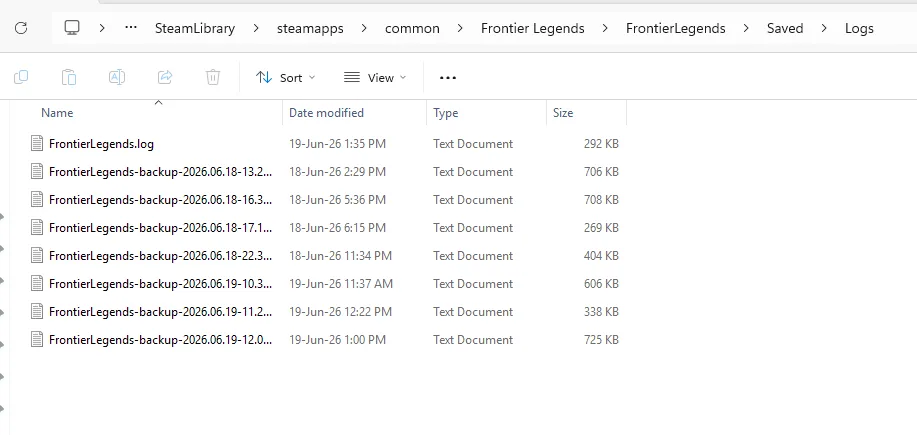
You have successfully located your Frontier Legends client logs. You can now read through these files to find out exactly what caused a local crash, or share them with support for help.
