
 Frontier Legends
Running your own Frontier Legends server is great for friends, but occasionally you might run into unexpected issues. Finding your server logs is the best way to see exactly what is happening on your server and to troubleshoot any problems.
Finding Server Logs
- Navigate to the Wabbanode Control Panel.
- Click on the Files tab to find your Frontier Legends Server Files.

- Navigate to the
FrontierLegends > Saved > Logsfolder.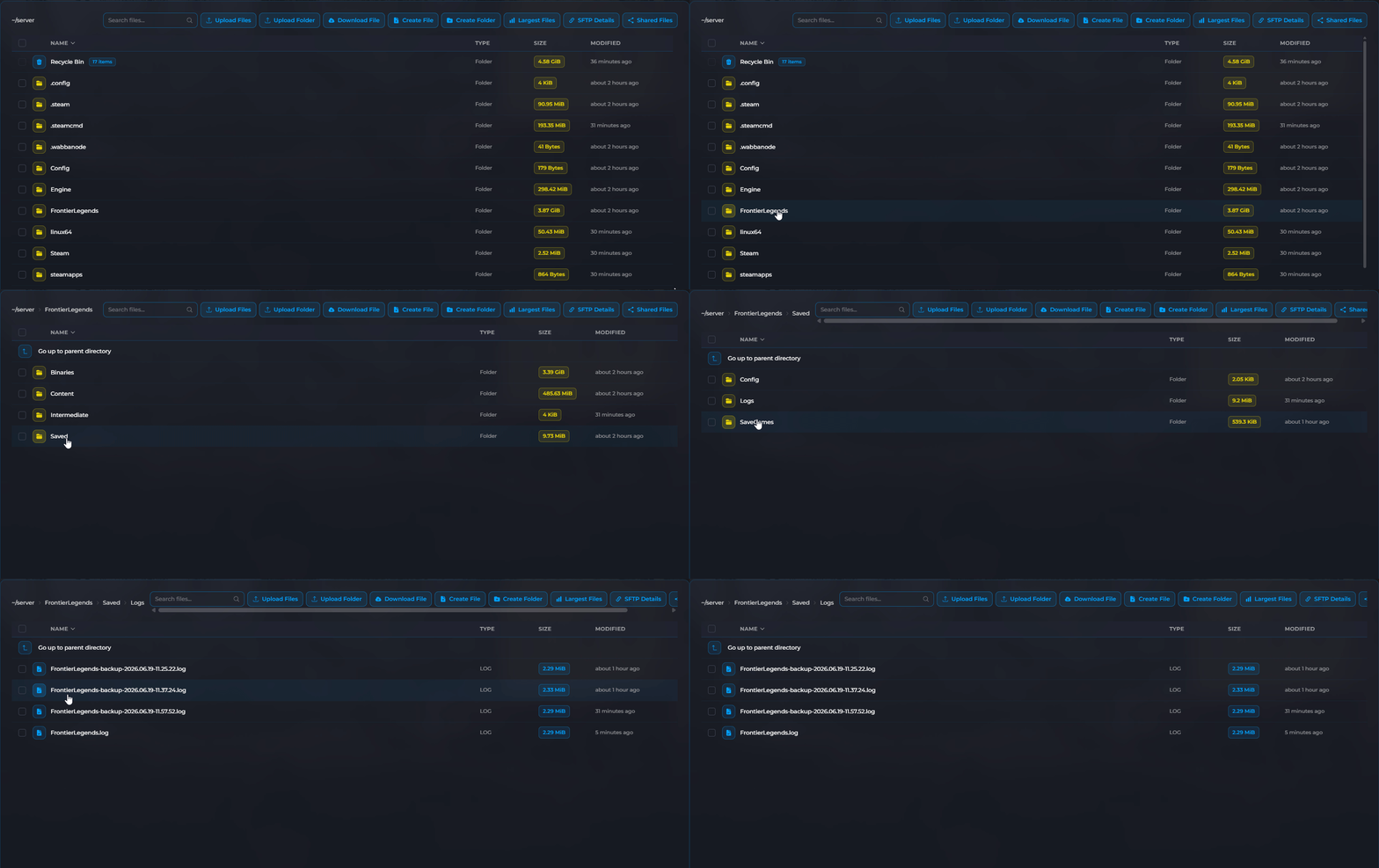 You can now view or download any of the log files stored in this folder.
You have located your Frontier Legends server logs. You can now read through these files to find out exactly what caused an issue or check your previous server console outputs.
