

FTB Infinity Evolved SERVER HOSTING
Choose your perfect modpack, configure your server, and launch instantly. Whether you're building with friends or running a community, our powerful hosting makes it easy to get started. Fast, secure, and stress-free.

FTB Infinity Evolved
per month
Customize Your
Perfect Setup
Configure your ideal Minecraft server in minutes. Choose your specs, location, and extras - then launch instantly.
FTB Infinity Evolved
Now Includes Quests! Infinity Evolved adds game...
Automatically setup my server with this modpack
Power Your Server
Configure your RAM, adjusting for more players if needed
Choose Your Location
Select the best datacenter for your players

Utah, West US
Low latency for West Coast
Texas, Central US
Optimal for central America
New York, East US
Optimal for East Coast
Miami, Florida
Ideal for South America coverage

Canada
Northern America coverage

London
UK & Ireland access

Germany
Central Europe hub

France
Western Europe coverage

Finland
Nordic region access

Singapore
Central APAC

Sydney, Australia
Low latency for the outback
More Locations
Coming Soon
Enhance Your Server
Add extra features and performance boosts
CPU Boost
Extra power
Backups
Extra protection
Dedicated Port
Port 25565
All addons are optional and can be added later
How to Make FTB Infinity Evolved Server
Creating a FTB Infinity Evolved server is incredibly easy with our control panel, fitted with one-click modpack installations.
- Get a Minecraft Server from Wabbanode
- Access your Minecraft Server from our Control Panel. Press Modpacks to access our one-click modpack installer.
- Search for
FTB Infinity EvolvedorFTBin the modpack installer. - Select the latest version, press Install, start your server, and enjoy playing the modpack with your friends.
What is FTB Infinity Evolved?
Host your FTB Infinity Evolved server
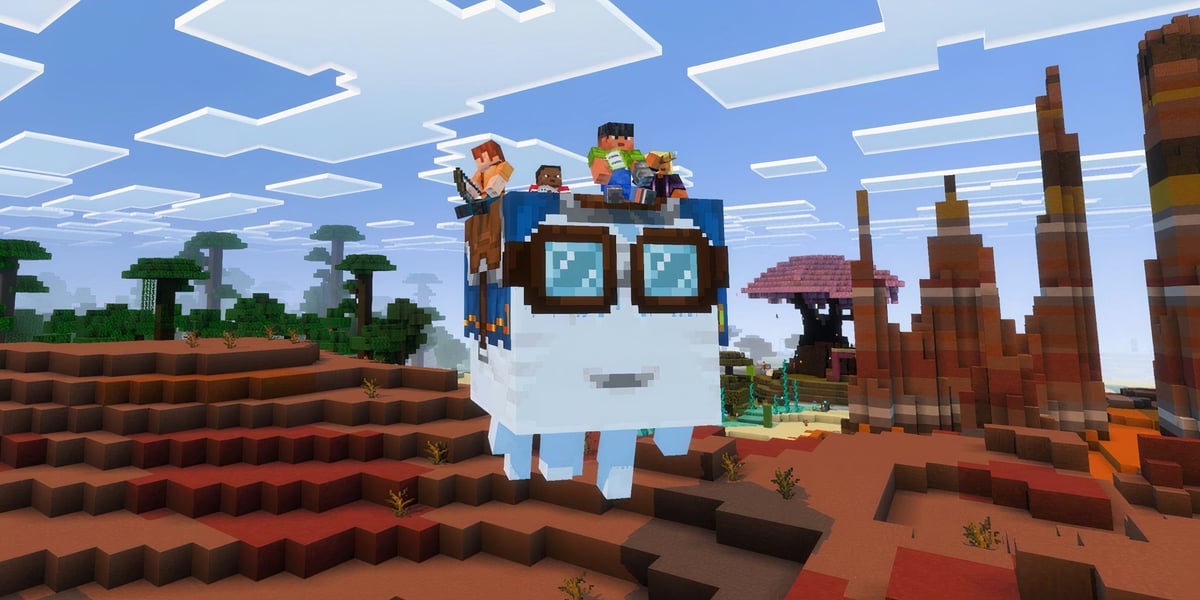
FTB Infinity Evolved is a popular Minecraft modpack that enhances your gameplay experience through its unique game modes, quests, and a vast array of 132 mods. By opting for FTB Infinity Evolved server hosting, you can enjoy a seamless 24/7 gaming experience with friends, allowing you to explore the intricacies of this modpack any time you wish. With over 5.6 million downloads on CurseForge, this modpack has captured the hearts of many players.
Hosting your own server unlocks persistent worlds and cooperative gameplay, giving you and your friends the chance to tackle quests and challenges together. Whether you're exploring the depths of technology or delving into the mysteries of magic, a dedicated server allows for a more immersive experience, where you can create and share your unique adventures.
What your FTB Infinity Evolved server needs
To ensure smooth gameplay, your FTB Infinity Evolved server requirements should include a minimum of 8GB of RAM, as the modpack is resource-intensive. A powerful CPU and NVMe storage are also recommended to facilitate modded chunk generation and world saves.
- RAM: 8GB and up
- CPU: high single-thread speed
- Storage: NVMe
Unique Gameplay Experience
FTB Infinity Evolved offers a rich blend of technology and magic, with the inclusion of quests that guide players through the modpack's vast content. The two game modes, normal and expert, provide tailored experiences to suit different play styles, ensuring that players of all skill levels can find enjoyment. Dive into the world of automation, complex machinery, and enchanting spells as you progress through the various challenges.
How to host a FTB Infinity Evolved server
Setting up your FTB Infinity Evolved server is a breeze with our one-click modpack installer. You can manage your server effortlessly with full file access and easy mod management from the control panel. Tasks such as configuring settings, updating mods, and switching between worlds can be done seamlessly.
- One-click install of FTB Infinity Evolved
- Full FTP access for customisation
- Easy mod and config control
Why Wabbanode
Choose Wabbanode for your FTB Infinity Evolved server hosting needs, and benefit from AMD Ryzen 9 CPUs, fast NVMe storage, and enterprise-grade DDoS protection. With free daily backups, instant setup, and 24/7 expert support, you can focus on playing while we take care of the technical details.
What's Included
Automatic Setup
Server ready to play in under a minute.
Modpack Installer
One-click install for thousands of modpacks.
7-Day Automatic Backups
Daily backups, always ready to restore.
Automatic Crash Detection
Auto-restarts keep your server online.
Custom Subdomains
Free friendly server IP addresses
Server Splitting
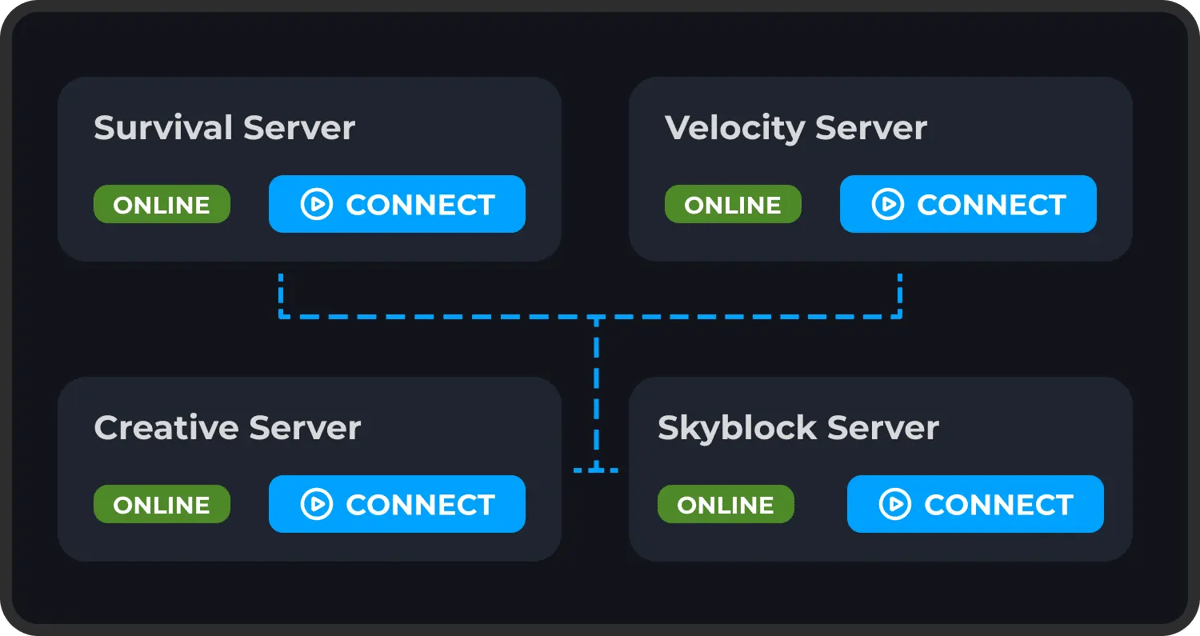
Split your server into multiple sub-servers.
Instance Switcher
Run multiple worlds on one plan.
Game Switching
Switch to any supported game, anytime.
Scheduled Tasks
Automate restarts, backups, and commands.
Databases
MySQL databases included for plugins.
DDoS Protection
Enterprise-grade protection, always on.
Full FTP Access
Direct file access, no restrictions.
24/7 Support
Expert help available around the clock.
ONE CLICK MODPACKS
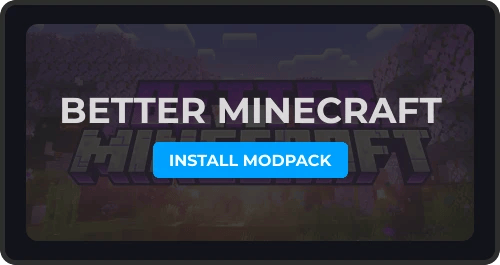
Our One-Click Modpack Installer lets you easily install and manage any Forge or Fabric modpack like All The Mods, Better Minecraft or Pixelmon easily. View our full range of modpacks for Modded Minecraft Server Hosting
Get your modded server online with just a few clicks, you can access a wide range of popular Minecraft modpacks all from our panel. No need for complicated setup or manual configuration.
AUTOMATIC BACKUPS
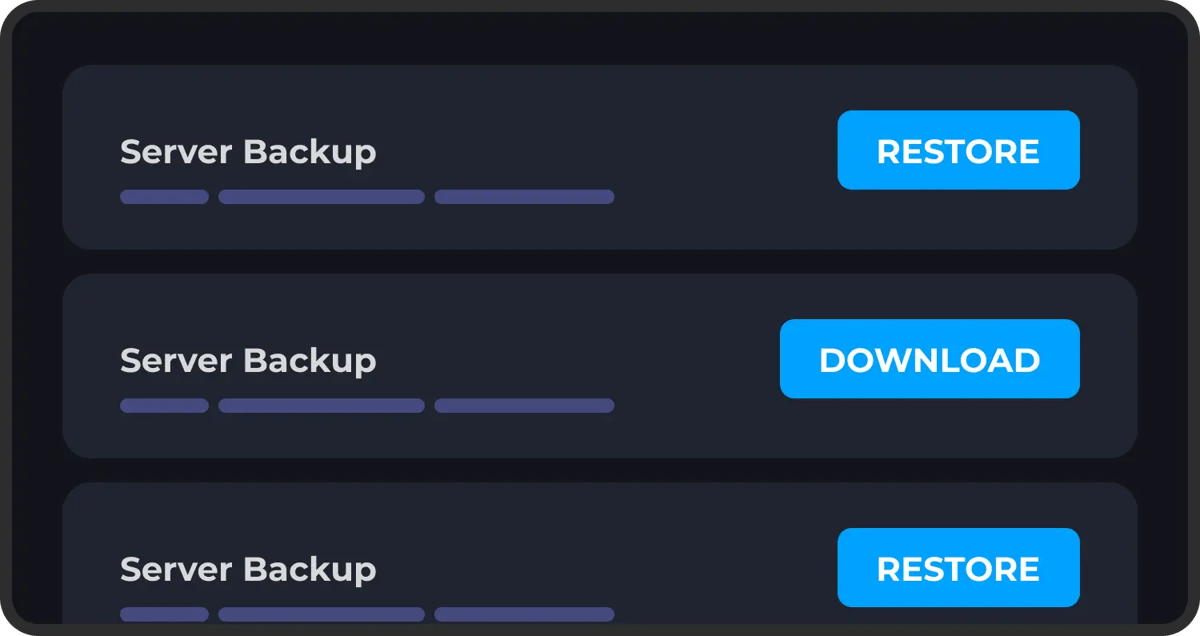
Never worry about losing your progress. Our automatic backup system ensures your server data is regularly saved. You can setup multiple automatic backups using our control panel.
Restoring one of these backups is just as easy, just select the backup you want to roll back to and click restore. Protect yourself from griefing, data loss or any kind of corruption.
DDOS PROTECTION
Protect your game server from bad actors, DDoS attacks and unauthorized access. We have worked hard to implement robust security measures to safeguard your server and data, giving you peace of mind while you play.
Our servers are equipped with advanced DDoS protection to ensure that we can mitigate high-level attacks on any of our game server's no matter what plan you choose.
FULL FILE ACCESS
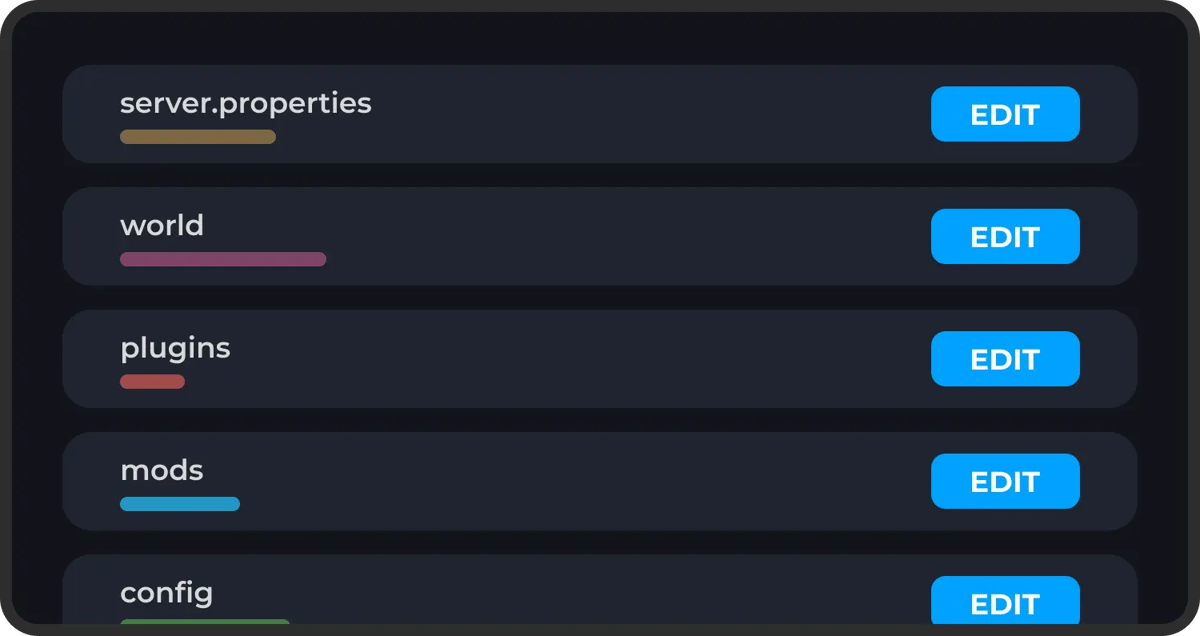
You have complete freedom over your server's setup. We provide full SFTP access, so you can easily manage your files, install mods, add plugins, or make adjustments to your server's configurations without restrictions.
On top of this we make it easy to make changes to any of your server's files or settings directly within our panel. If there's anything you're having issues with you can reach out to our support team at any time.
Explore Features
Discover the powerful features that make your server hosting experience seamless and reliable.
What Our Customers Say
Real feedback from gamers who trust us with their server hosting needs
Reviewer names may have been anonymised to protect our customers’ privacy.
“Setting up my FTB Infinity Evolved server was a breeze with the one-click install. Highly recommended!”
“The automatic backups are a lifesaver! I never worry about losing my progress.”
“No lag at all, even with a full group. The performance is fantastic!”
“Support was quick to respond when I had questions. Overall, a solid experience.”
“I love the custom subdomain! It makes it so easy for my friends to join.”
“The automatic crash detection keeps my server online. I can play without interruptions!”
Some of our helpful guides
We have many helpful guides to kickstart your Minecraft server hosting experience with us.
How to Set your Minecraft Server Spawn Point
Control where players appear on your Minecraft server by setting the world spawn point and individual player spawn points using simple commands.
How to Fix "Can't Keep Up" on Your Minecraft Server
Learn what the "Can't Keep Up" server warning means and how to fix it by addressing common performance issues.
How to Install Folia on Your Minecraft Server
Learn how to install Folia on your Minecraft server for multi-threaded performance improvements.
How to Fix Mismatched Mod Channel List on Your Minecraft Server
Learn how to fix the "Mismatched Mod Channel List" error by ensuring your client and server mods match.
How to Allow Flying on Your Minecraft Server
Enable flight on your Minecraft server by configuring the Allow Flight setting in the Wabbanode Control Panel.
How to Use the Kill Command in Minecraft to Remove Entities
Learn how to use the /kill command to remove mobs, dropped items, and other entities from your Minecraft server.
You can also talk with
Our TeamSetup anywhere at no extra cost
We're actively expanding our server locations so you can play with anyone around the globe with low ping
Server Locations
Click to explore each datacenter



Utah, West US
Low latency for West Coast
Frequently Asked Questions
Everything you need to know about our game server hosting. Can't find what you're looking for? Contact our support team.
How much RAM do I need for a FTB Infinity Evolved server?
How do I install FTB Infinity Evolved on my server?
Can I play FTB Infinity Evolved with friends?
Does Wabbanode support FTB Infinity Evolved?
How do I update my FTB Infinity Evolved server?
What Minecraft version does FTB Infinity Evolved use?
Can I add or remove mods?

What are you waiting for?
Or talk with
Our Team