
Legendary Edition SERVER HOSTING
Choose your perfect modpack, configure your server, and launch instantly. Whether you're building with friends or running a community, our powerful hosting makes it easy to get started. Fast, secure, and stress-free.

Legendary Edition
per month
Customize Your
Perfect Setup
Configure your ideal Minecraft server in minutes. Choose your specs, location, and extras - then launch instantly.
Legendary Edition
A Minecraft journey for hardcore adventurers.
Automatically setup my server with this modpack
Power Your Server
Configure your RAM, adjusting for more players if needed
Choose Your Location
Select the best datacenter for your players

Utah, West US
Low latency for West Coast
Texas, Central US
Optimal for central America
New York, East US
Optimal for East Coast
Miami, Florida
Ideal for South America coverage

Canada
Northern America coverage

London
UK & Ireland access

Germany
Central Europe hub

France
Western Europe coverage

Finland
Nordic region access

Singapore
Central APAC

Sydney, Australia
Low latency for the outback
More Locations
Coming Soon
Enhance Your Server
Add extra features and performance boosts
CPU Boost
Extra power
Backups
Extra protection
Dedicated Port
Port 25565
All addons are optional and can be added later
How to Make Legendary Edition Server
Creating a Legendary Edition server is incredibly easy with our control panel, fitted with one-click modpack installations.
- Get a Minecraft Server from Wabbanode
- Access your Minecraft Server from our Control Panel. Press Modpacks to access our one-click modpack installer.
- Search for
Legendary Editionorlegendary_workshopin the modpack installer. - Select the latest version, press Install, start your server, and enjoy playing the modpack with your friends.
What is Legendary Edition?
Host your Legendary Edition server
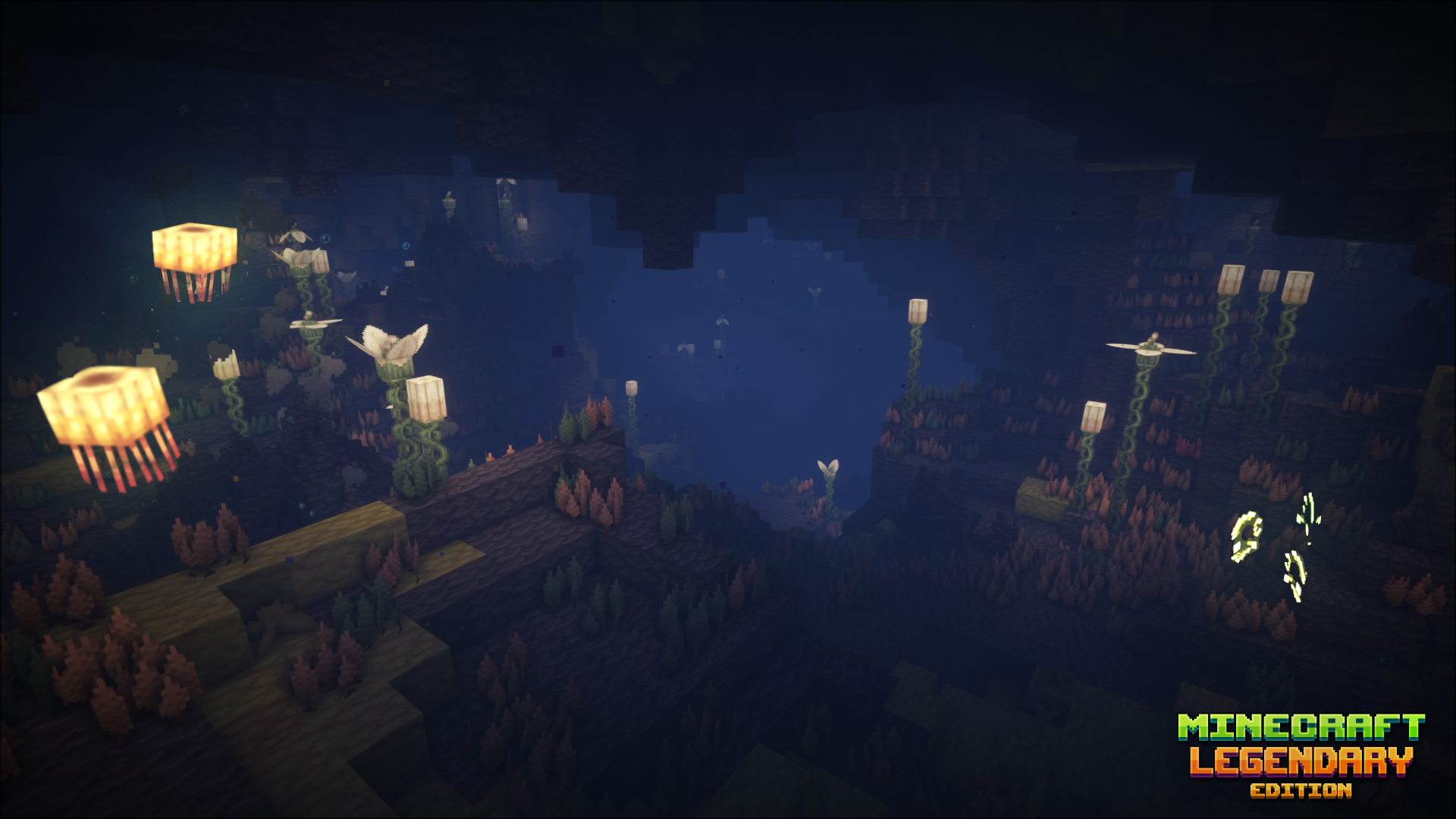
Embark on the ultimate hardcore Minecraft adventure with the Legendary Edition modpack, a sweeping overhaul that transforms the familiar blocky world into a vast, living RPG. With over 1 million downloads on CurseForge, Legendary Edition is built for players who want more than vanilla survival. It's a journey, and it demands everything you've got.
Why Host a Legendary Edition Server?
Legendary Edition is one of the most ambitious Minecraft modpacks available, blending deep RPG systems, brutal survival mechanics, and hand-crafted content into a cohesive, story-driven experience. Hosting a server lets you and your friends tackle its challenges together, and there are plenty of them.
An Entirely Transformed World
The world you know is gone. Legendary Edition replaces it with 450 new biomes, each with distinct terrain, flora, and fauna. Across them you'll find 600+ new structures, 200 handmade dungeons, and 12 mythical dungeons designed to push your skills to their absolute limits. A complete loot system rework ensures every chest and boss drop feels earned.
Deep RPG Survival Mechanics
This isn't just a content pack, the core survival loop has been rebuilt from scratch. Expect:
- New temperature and thirst systems that demand constant resource management
- Overhauled health, armor, and combat that make every encounter count
- A custom skill tree to develop your playstyle as you progress
- Brand new creatures with unique behaviours and threats
- Seasonal world behaviour that changes the environment as time passes
Custom-Crafted Visuals and Audio
Legendary Edition ships with a custom BSL-based shaderpack, rewritten specifically for this modpack in collaboration with the original BSL author. Pair that with handcrafted items, blocks, and structures made by the modpack's own art team, and the world genuinely looks and feels unlike anything else in Minecraft.
Guided Quest Progression
Despite its scale, Legendary Edition keeps you oriented. A well-structured quest system guides you through the modpack's content, unlocking powerful artifacts, pointing you toward boss encounters, and introducing new crafting systems at a sensible pace. There's always a next step, and always a reason to push further.
Available for Minecraft 1.16.5 and 1.20.1
Legendary Edition is actively maintained and available on Forge for both 1.16.5 and 1.20.1, giving you flexibility in which version of the modpack experience you want to run.
What to Expect on a Server
Legendary Edition is resource-intensive by design. For a smooth multiplayer experience, servers should be provisioned with:
- Minimum 6GB RAM, more if you're running a public server with multiple players
- 4+ CPU cores, the modpack's entity count and world simulation demand real processing power
- A host with low-latency hardware to keep the modded tick rate stable
What's Included
Automatic Setup
Server ready to play in under a minute.
Modpack Installer
One-click install for thousands of modpacks.
7-Day Automatic Backups
Daily backups, always ready to restore.
Automatic Crash Detection
Auto-restarts keep your server online.
Custom Subdomains
Free friendly server IP addresses
Server Splitting
Split your server into multiple sub-servers.
Instance Switcher
Run multiple worlds on one plan.
Game Switching
Switch to any supported game, anytime.
Scheduled Tasks
Automate restarts, backups, and commands.
Databases
MySQL databases included for plugins.
DDoS Protection
Enterprise-grade protection, always on.
Full FTP Access
Direct file access, no restrictions.
24/7 Support
Expert help available around the clock.
ONE CLICK MODPACKS
Get your modded server online with just a few clicks, you can access a wide range of popular Minecraft modpacks all from our panel. No need for complicated setup or manual configuration.

AUTOMATIC BACKUPS
Restoring one of these backups is just as easy, just select the backup you want to roll back to and click restore. Protect yourself from griefing, data loss or any kind of corruption.

DDOS PROTECTION
Our servers are equipped with advanced DDoS protection to ensure that we can mitigate high-level attacks on any of our game server's no matter what plan you choose.

FULL FILE ACCESS
On top of this we make it easy to make changes to any of your server's files or settings directly within our panel. If there's anything you're having issues with you can reach out to our support team at any time.

Explore Features
Discover the powerful features that make your server hosting experience seamless and reliable.

What Our Customers Say
Real feedback from gamers who trust us with their server hosting needs
Some of our helpful guides
We have many helpful guides to kickstart your Minecraft server hosting experience with us.
How to Fix \"Can't Keep Up\" on Your Minecraft Server
Learn what the "Can't Keep Up" server warning means and how to fix it by addressing common performance issues.
How to Install Folia on Your Minecraft Server
Learn how to install Folia on your Minecraft server for multi-threaded performance improvements.
How to Fix Mismatched Mod Channel List on Your Minecraft Server
Learn how to fix the "Mismatched Mod Channel List" error by ensuring your client and server mods match.
How to Allow Flying on Your Minecraft Server
Enable flight on your Minecraft server by configuring the Allow Flight setting in the Wabbanode Control Panel.
How to Use the Kill Command in Minecraft to Remove Entities
Learn how to use the /kill command to remove mobs, dropped items, and other entities from your Minecraft server.
How to Install Any NeoForge Modpack on your Minecraft Server
Learn how to install any NeoForge Modpack on your Minecraft server
You can also talk with
Our TeamSetup anywhere at no extra cost
We're actively expanding our server locations so you can play with anyone around the globe with low ping
Server Locations
Click to explore each datacenter

Utah, West US
Low latency for West Coast
Frequently Asked Questions
Everything you need to know about our game server hosting. Can't find what you're looking for? Contact our support team.
How do I set up my Minecraft server?
What kind of support do you offer?
What hardware do you use for hosting?
Can I add mods and plugins to my server?
Can I upgrade my server plan later?
What is your refund policy?
Do you offer DDoS protection?
How fast is server setup?
What locations do you offer?
Do you offer automatic backups?

What are you waiting for?
Or talk with
Our Team