
 Frontier Legends
Frontier Legends is great for building and exploring with friends, however you might want to test your combat skills against your friends or other players. Enabling PVP on your server is the best way to allow player versus player combat and make your server more competitive.
Enabling PVP
- Navigate to the Wabbanode Control Panel and Stop your server.

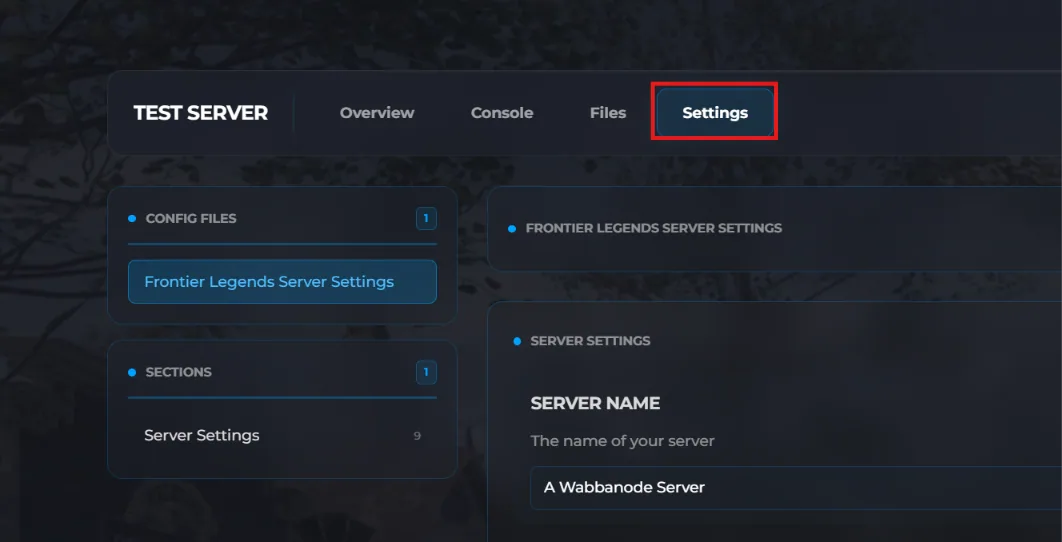
- Click the Settings tab to find your Frontier Legends Server Settings.
- Locate the PVP setting and make sure this has been turned on.
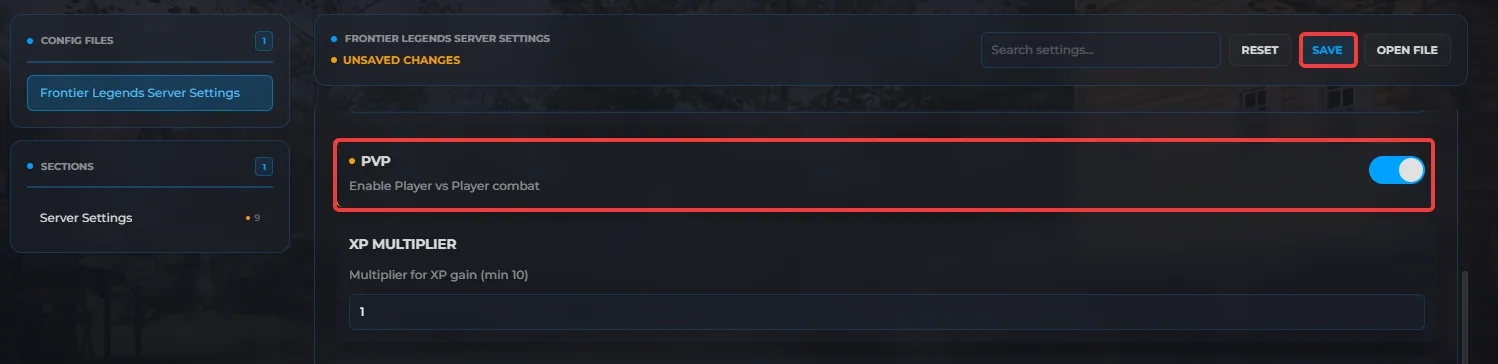
- Click Save and Start your server.
To turn off PVP on your server, simply disable the PVP setting and restart your server.
Tips
- Backup your server before turning on PVP just in case things get out of hand
- Set a server password so random players can't join your server and start attacking your friends
Your Frontier Legends server is now ready for PVP. Players can now engage in combat with other players and test their skills against one another in your server.
